Antec ISK-600 mITX Chassis Review
Exterior
The left, top and right sides of the chassis are made from a single piece of aluminium and held in place by three thumb screws on the back of the chassis. There is some ventilation at the front left and some extra ventilation on the left side of the front panel.
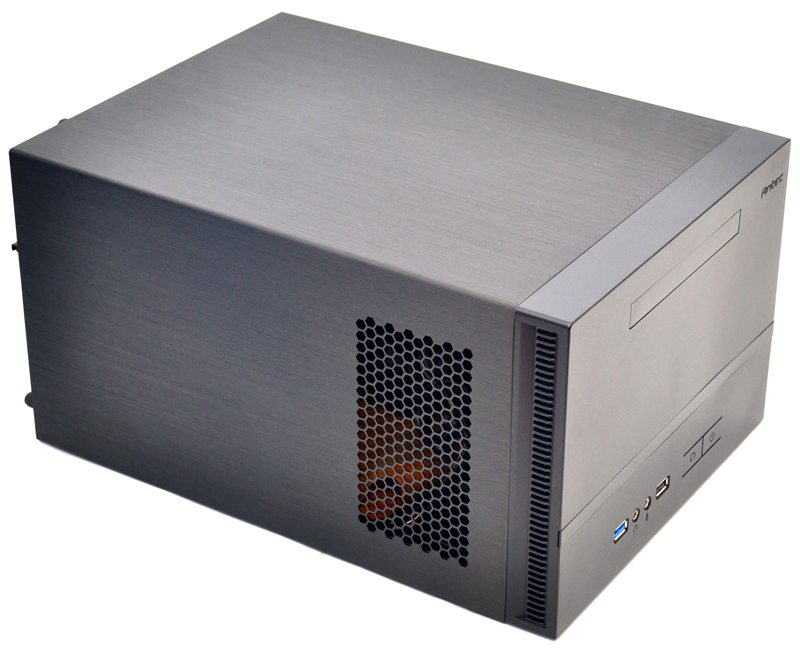
The right side mirrors the left offering two more ventilation areas.
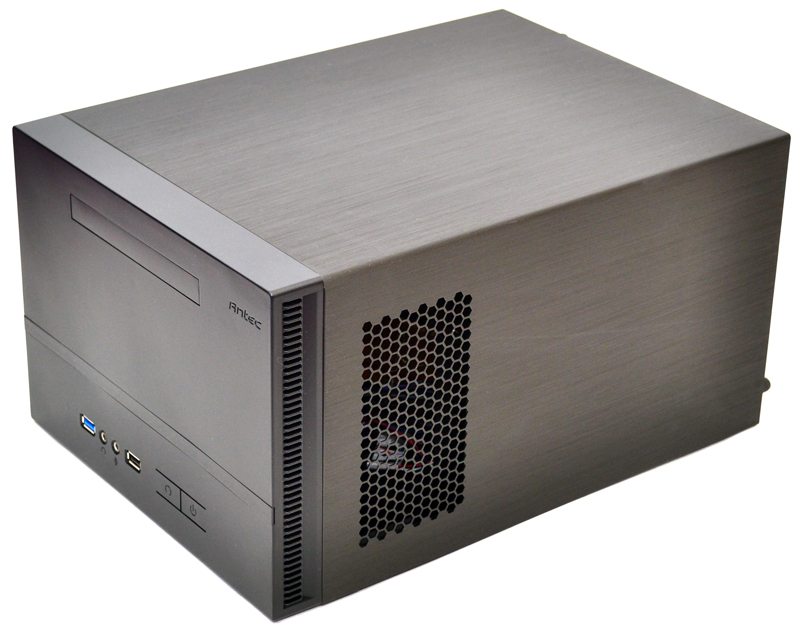
The front panel features a nice clean look, with a slim 5.25″ drive bay at the top, a clear strip in the middle with blue LED back lighting, and the main I/O panel at the bottom.
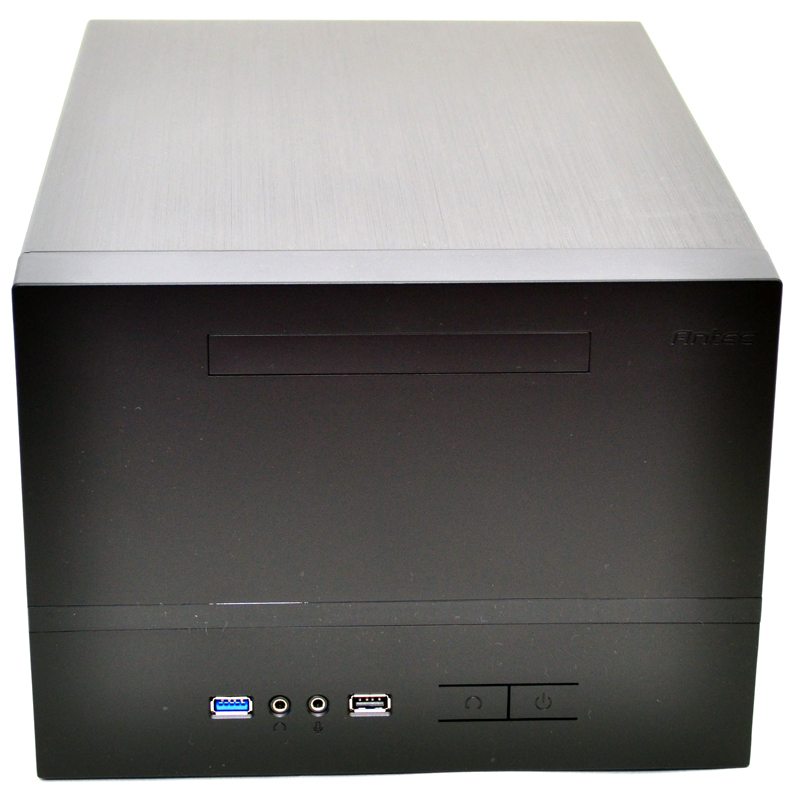
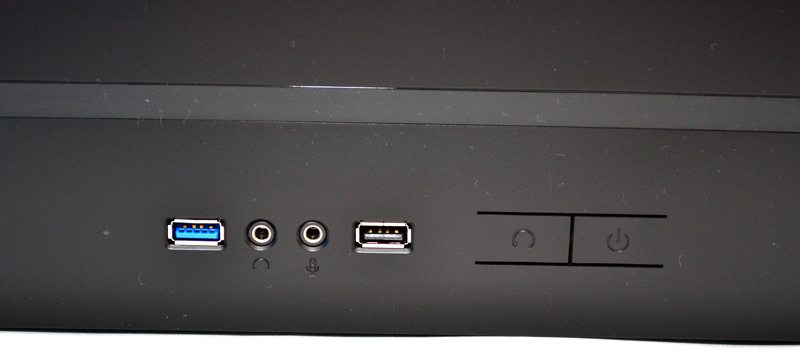
There is a single USB 3.0 port, HD audio connections, a USB 2.0 port, and the master reset and power buttons.
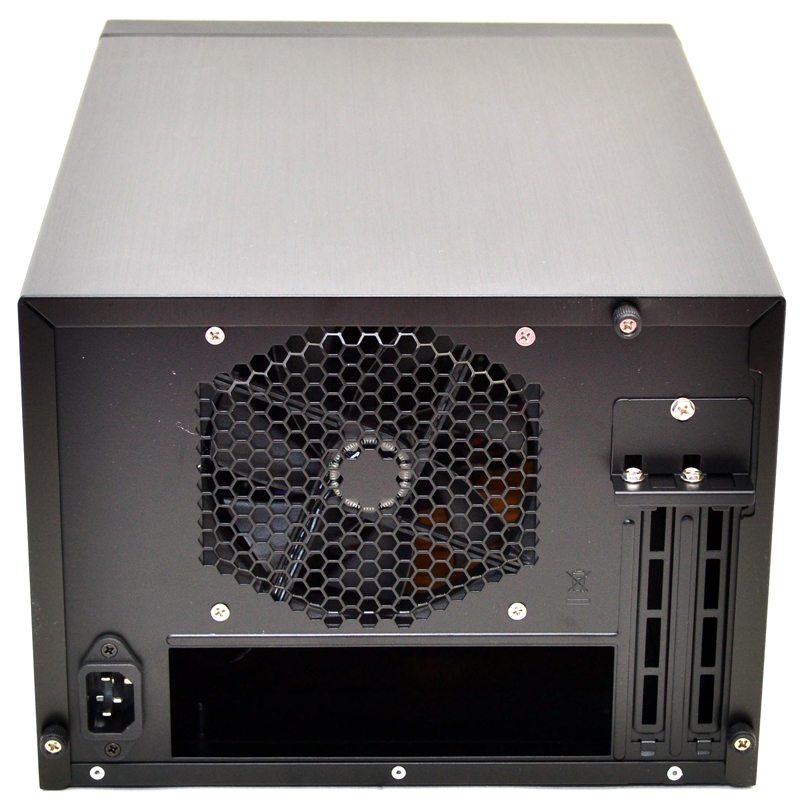
Around the back you’ll find a pre-installed 120mm exhaust fan, a PSU connection which is actually an internal extension cable as the PSU is mounted towards the front of the chassis. Finally we also have two expansion slots, perfect for a dual slot GPU or similar expansion card.
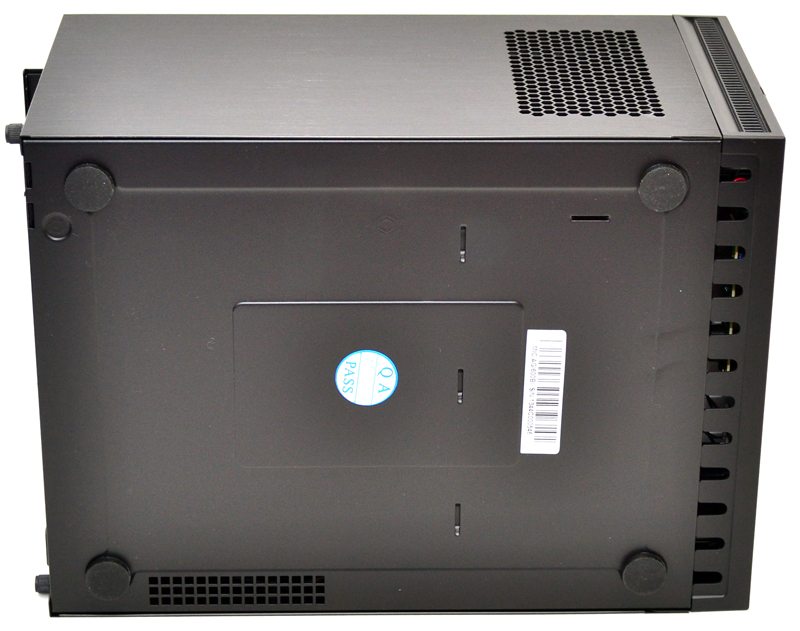
The bottom of the chassis features a little extra ventilation as well as four thick rubber feet that should help reduce vibration and also keep the chassis from sliding around on your desk / TV stand.
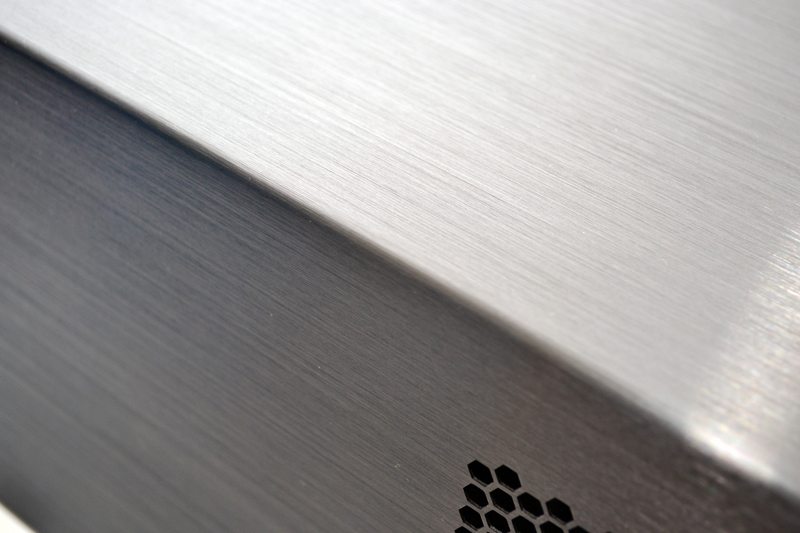
The aluminium panel is really nicely finished with a brushed effect, it’s actually got quite a bit of texture to it compared to most brushed aluminium and the grooves catch the light rather nicely.










Only problem that I forsee with this case, every kind of mITX motherboard and the H80i cooling system is, most (/every) of the time, there is :
– Only one USB 3.0 and 2.0 internal slot on the MB,
– On the other hand, the case have one usb 3.0 and one usb 2.0 on the front panel,
– And the H80i need also an usb connection internaly.
=> So, you will have to choose between plug usb case or H80i on the MB.
My understanding is that the internal USB3.0 headers on the motherboard will serve both 3.0 and 2.0 ports. Most cases include a cable that splits into 3.0/2.0 because some may not have USB3.0 support on their MB. They often warn to plug in only one or the other.
So there should be just enough for both the H80i and case I/O. Also, you could get an AIO that doesn’t require an internal USB connection.
I just bought this case (£30 del from Maplins) and while the looks are very good and construction is also v good I am finding that a 3.5 HDD in the middle holder is acting a bit like an echo chamber so the noise of the hard disk seeking is louder than it should be. This would be great as an SSD only case and the internal layout is good too. Not a fan of internally mounted power off switch tho. And the front LED strip is perfect for HTPC, very low level and discreet.
Really wanted an lian li q36 but @ £30, great value.
Which Mobo did you use?
With the H80i installed, were you able to mount a 3.5″ HDD on the side of the case?
Also with the H80i, were you able to fit the hanging 3.5″ HDD in the bracket above the mobo?
Dear Sir, Madam,
I really believe job well done Te only thing is the fan bar horizontall is not there yet. Please be advised that it should be a 1 to 3 point to the point of the start of the heating all together.
I think a cooling bar or something should go up an the end!
I am going to buy this later when i worked for it!
And I am happy I have an antec case here myself!
I am upping my old workstation!









