Cougar Gemini T RGB Glass-Wing PC Case Review
Peter Donnell / 4 years ago
Exterior
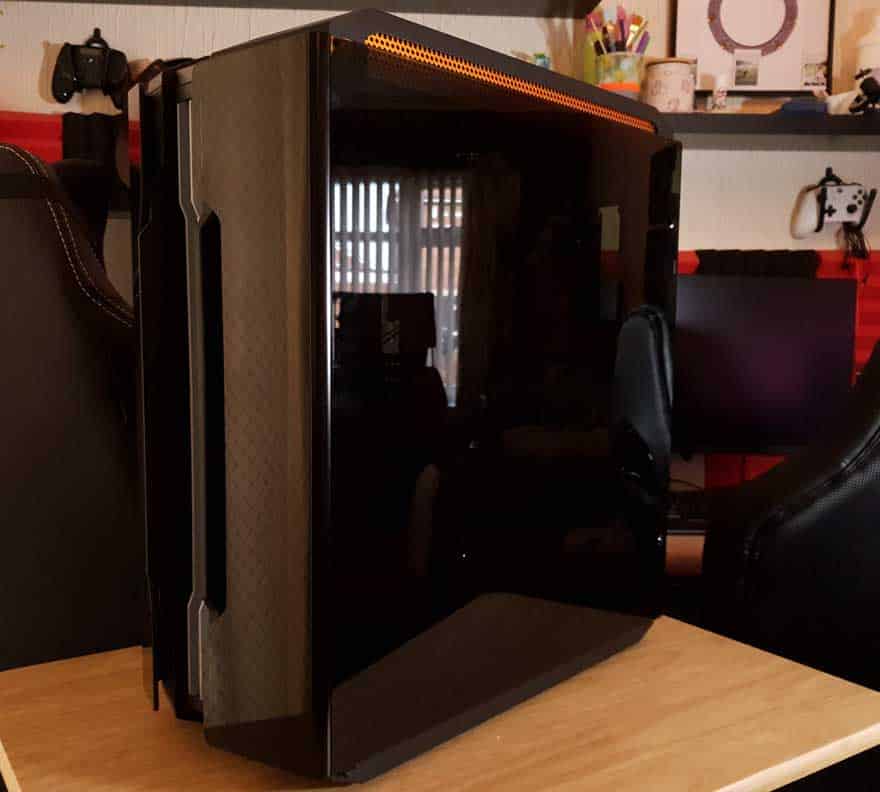
First impressions of the Gemini T are pretty good. It’s quite a heavy PC case, but that’s to expected given that it’s both quite large, and it features two massive tempered glass side panels. What’s cool is that the side panel glass wraps around the front of the case. Curved glass on cases, that’s something you don’t really see that often.
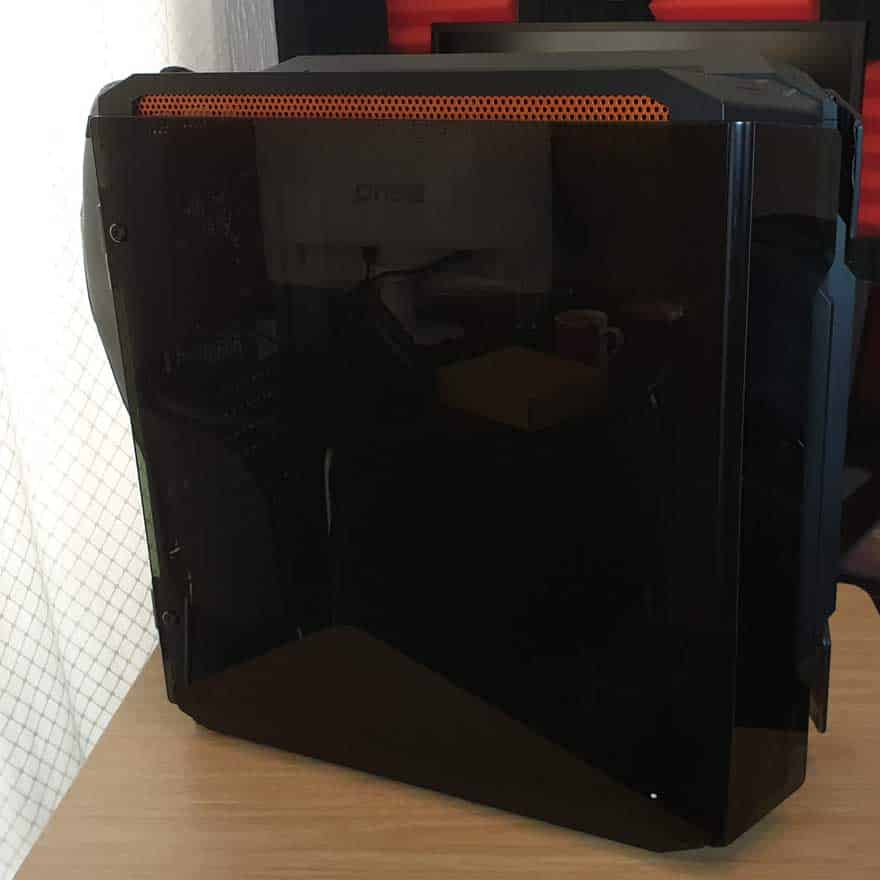
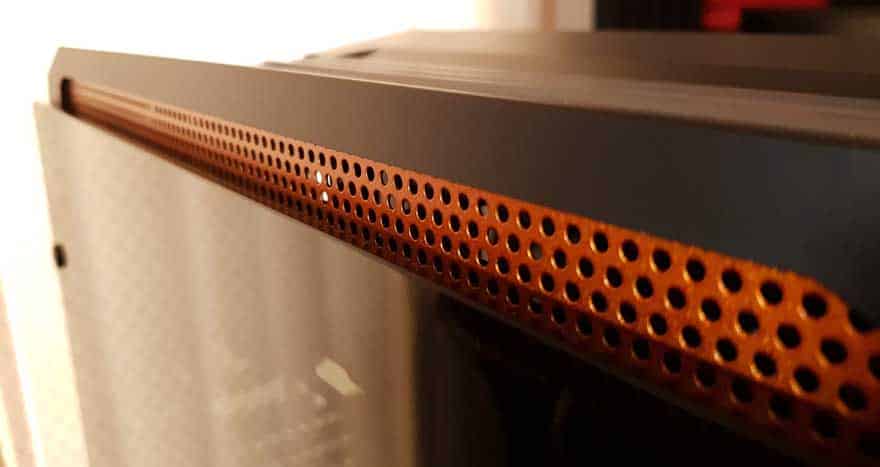
Just along the top edge of the glass, you’ve got this funky orange trim. I should point out, Orange tends to be the default logo colour for Cougar, it’s a branding thing. Plus, it offers up some ventilation, and you can never have too much of that.
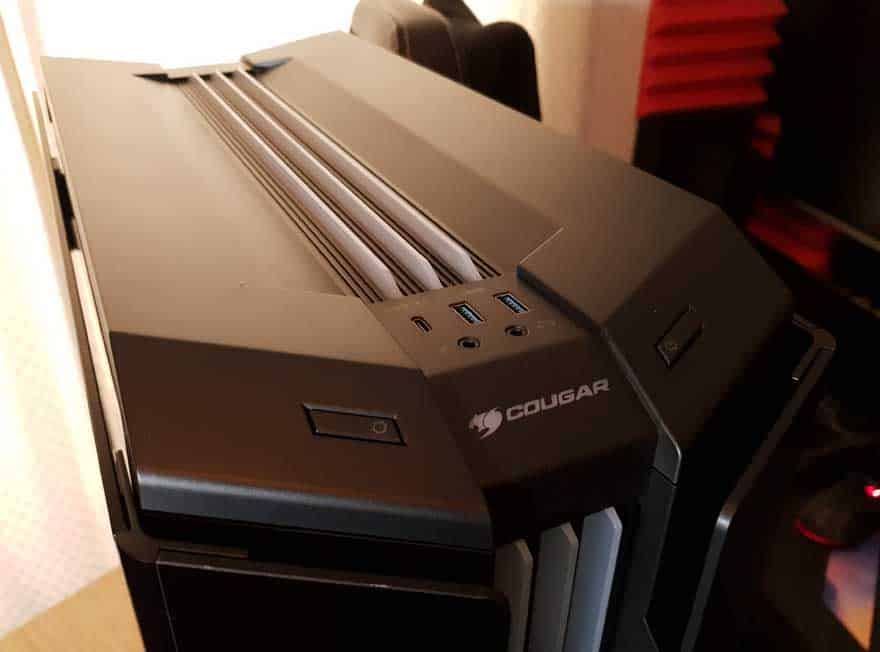
Along the top of the case, the design gets pretty busy looking. There’s a recessed design with some ventilation, but also three strips running down the case. These are actually a milky/frosty plastic design, and there are addressable RGB lights under them. The idea is that they’ll all illuminate much like the top of an RGB RAM module would.
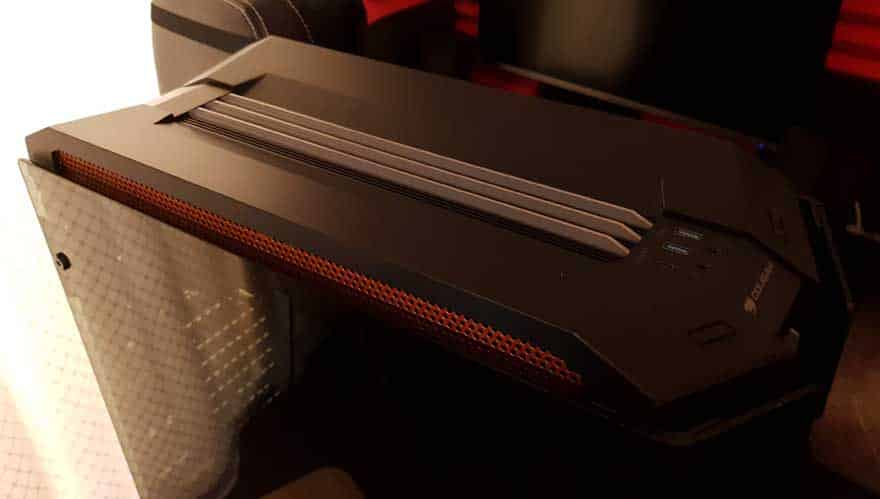
Moving further forward, you’ll find a cool design for the I/O panel. There are two USB 3.0 ports, as well as a Type-C and two audio jacks. The power and lighting control buttons are located on the front left and right of the case.
The front panel looks similar to the top, with three more of those RGB fins running down it. Of course, the side panel glass wraps around to this too, giving the case a front panel window of sorts.
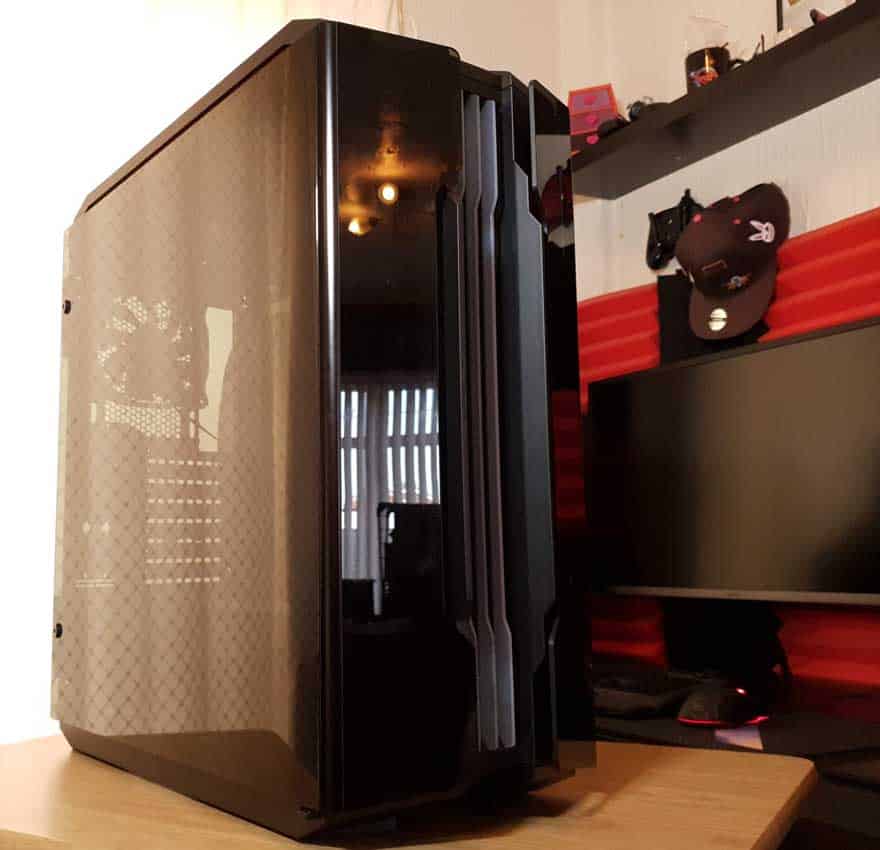
They also act as the point where you open the side panel, and as somewhere to store all your unwanted fingerprints. You’ll want some of this with your PC case.
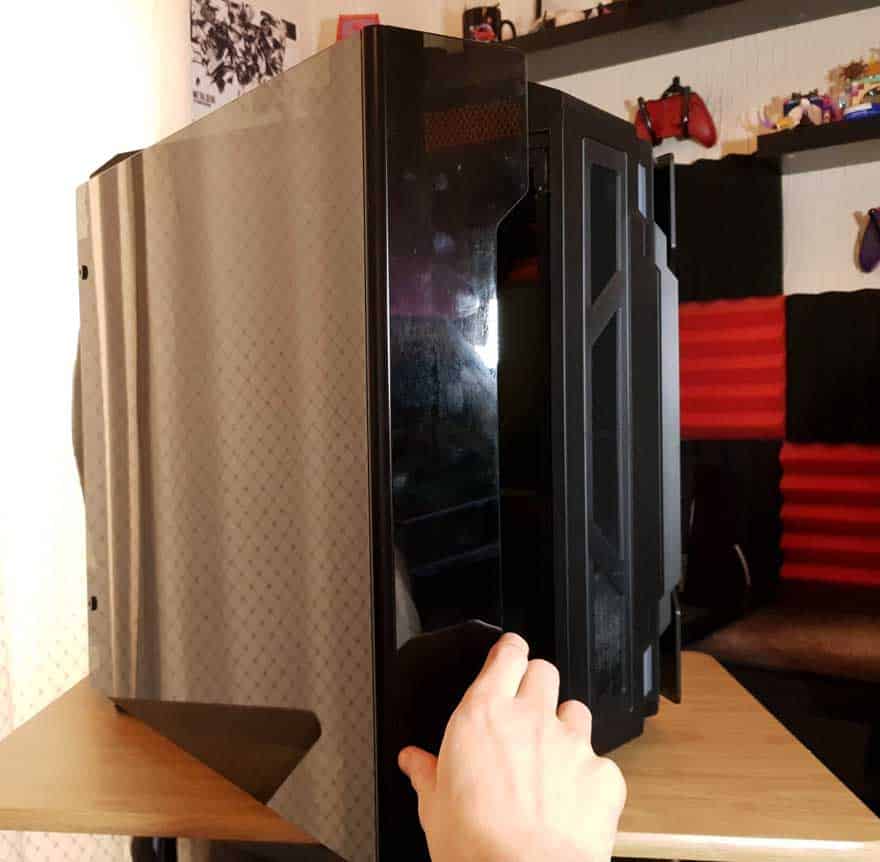
Tucked behind the glass, you can see it doesn’t actually sit flush at the front, allowing for loads of airflow to get around it. This is then passed through two vertical dust filters that are clipped into the front panel. I love this, too many brands don’t address the airflow on these tempered glass cases.
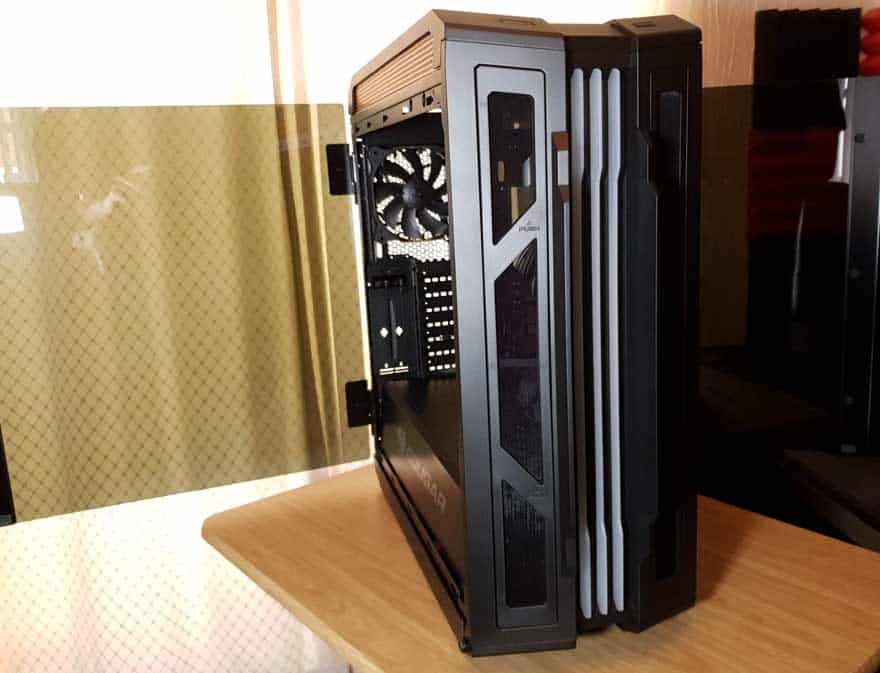
Down the right side, it’s more tempered glass just like the left, as well as more of that orange airflow trim at the top.
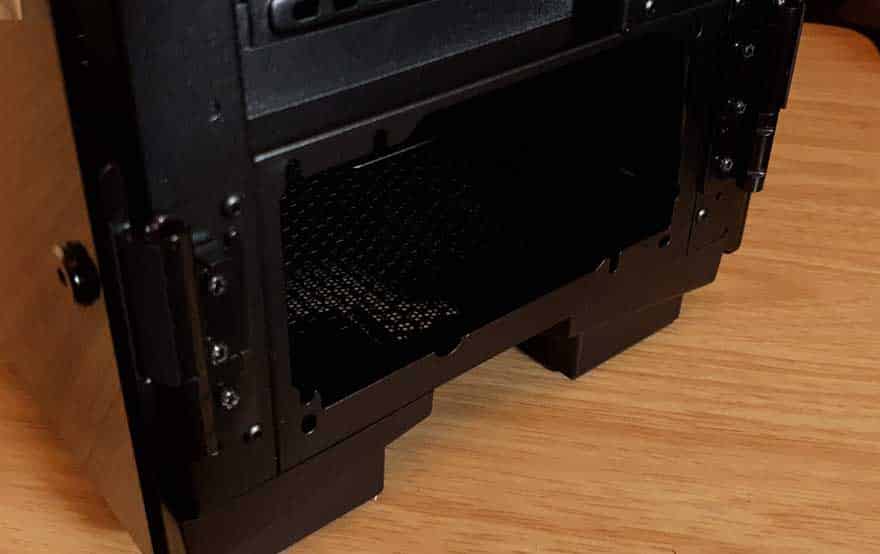
The side panels are mounted on chunky hinges at the back. There’s a single screw locking them in place, but remove it and you can easily lift the glass up and out of the way should you need to.
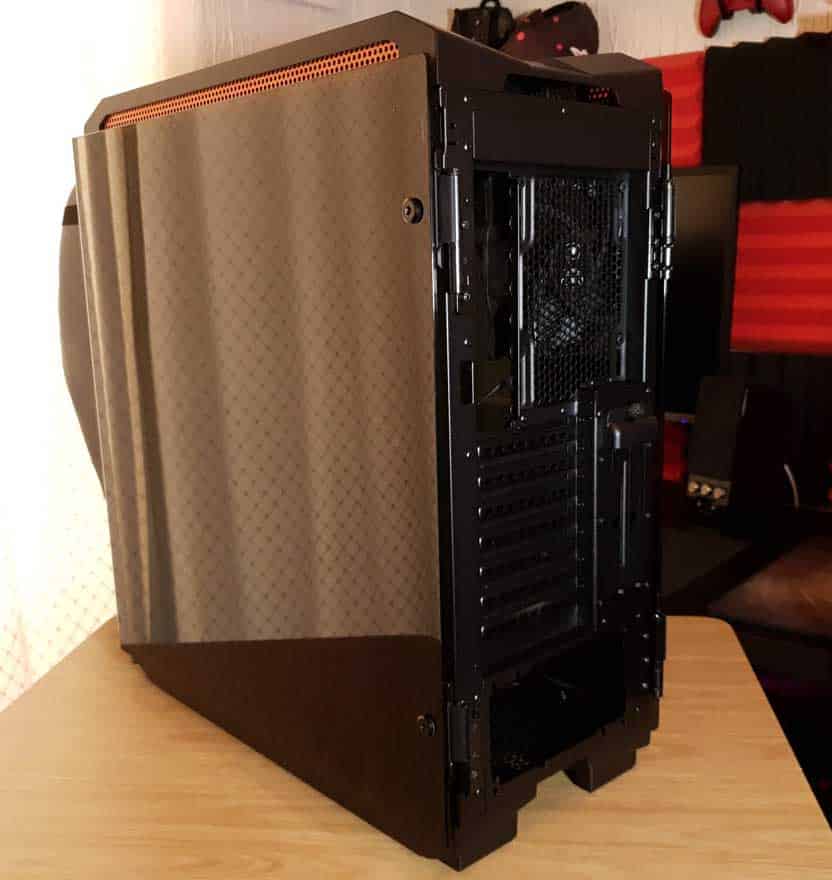
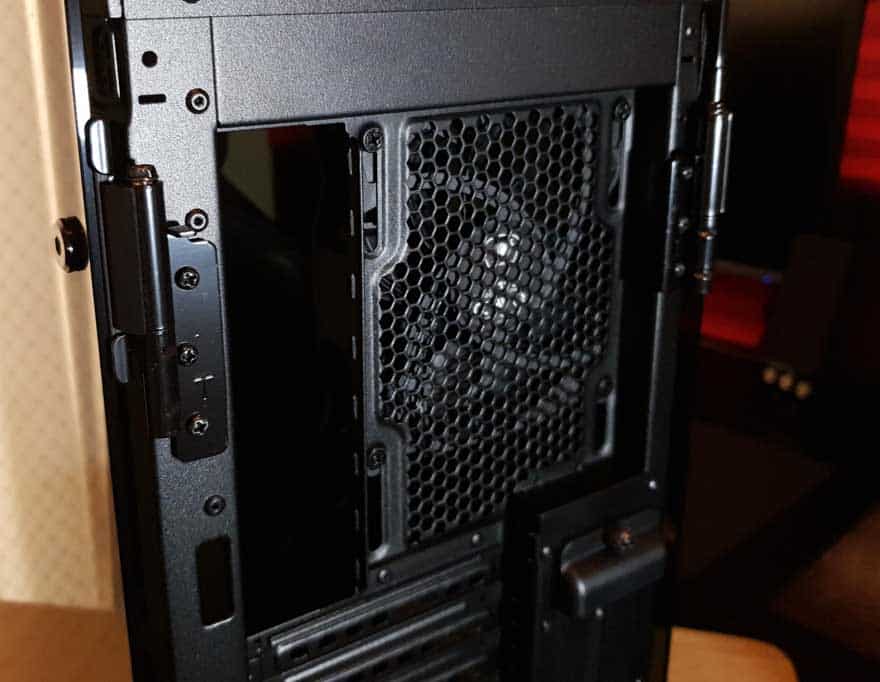
At the top, you’ll find a single fan mount with a 120mm fan pre-installed. It features elongated screw mounts too, so you can easily height adjust your fan/radiator for improved compatibility.
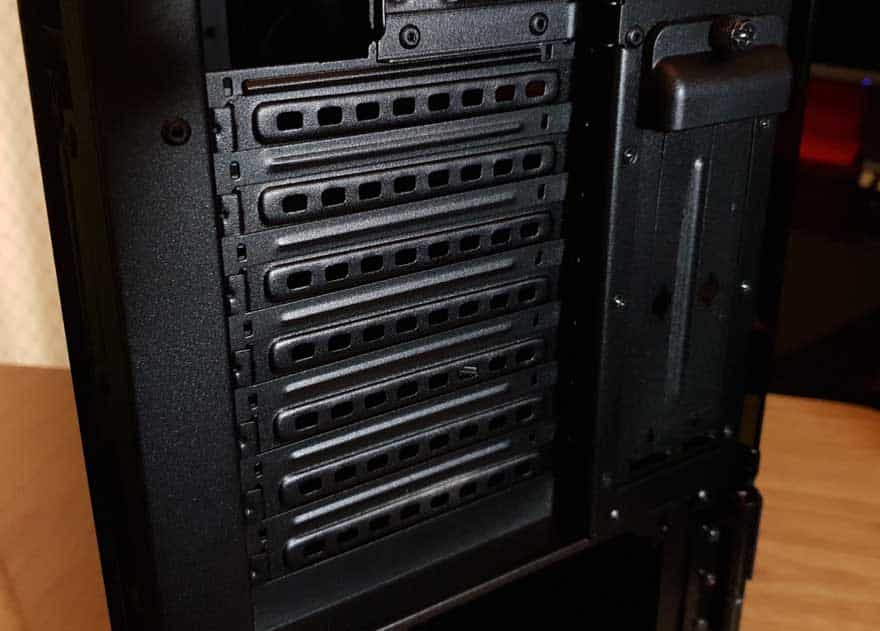
Below that, you’ll find seven expansion slots, as well as two more on the right for a vertical GPU mount. I should add, the vertical mounting cable isn’t included, but you can pick those up fairly cheap these days.
Finally, the PSU mount at the bottom, which is pretty much as you would expect.