Early Screenshots of Microsoft Office 16 Leaked
Bohs Hansen / 10 years ago
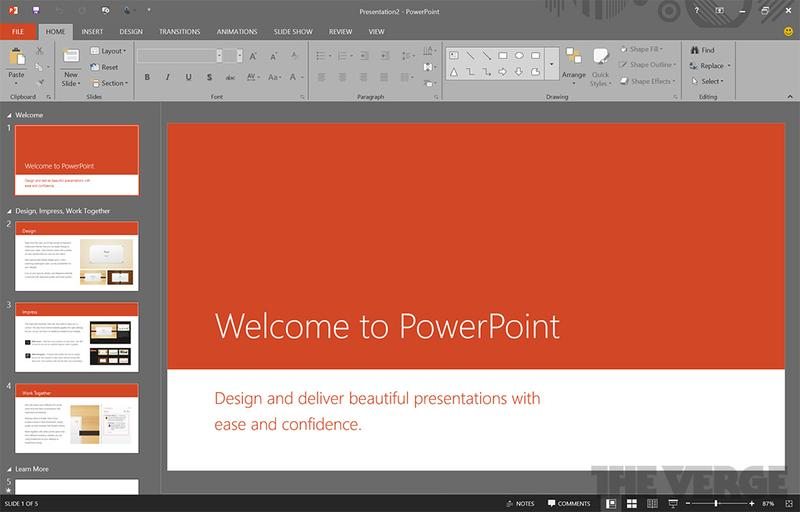
Microsoft isn’t just busy with the new Windows 9 and its technical preview that is scheduled to launch later this month, they’re also working on a new Office version. Sources have revealed that Microsoft has started to distribute copies of the future Office to partners and testers. Whenever that happens, we know the leaks aren’t far behind, and as such we get the first glimpses at the new Microsoft Office.
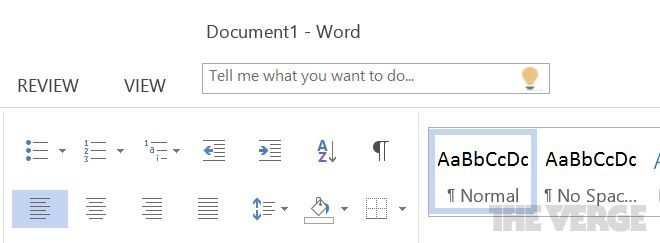
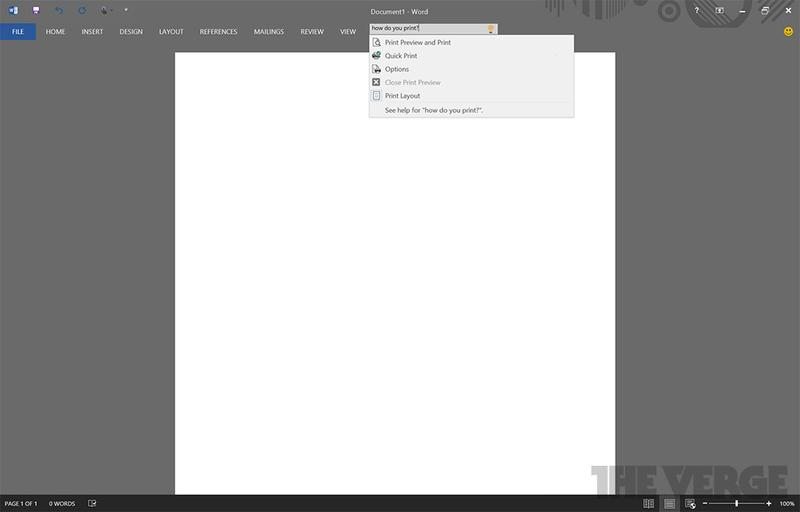
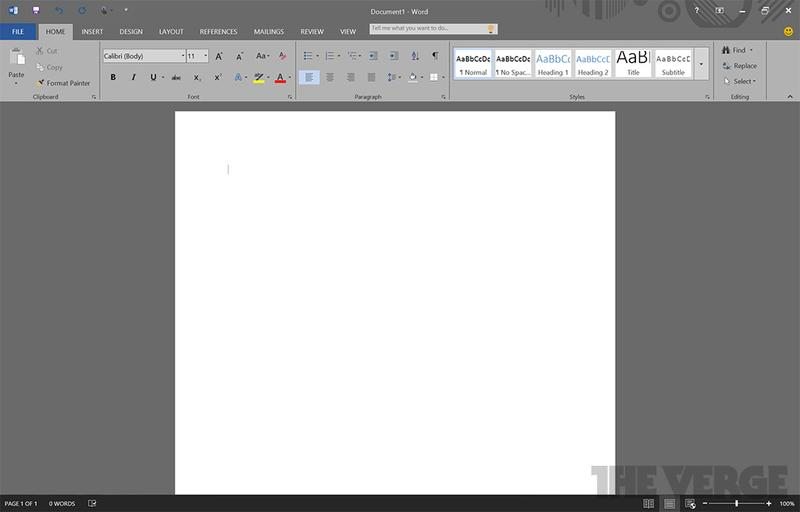
The new version of Office will bring back the helper gadget, but before you start to scream and throw things around, it is not Clippy. Instead we get the Tell Me helper that’s already found in the Office Online apps. Tell Me sits at the top of the documents as a help and search tool.
It provides a quick way to discover features and ask questions without digging into the enormous help documentation that Microsoft Office has. You could for example ask it “how do I insert a table” or “how do I print” and it would show your the relevant features to perform just that action.
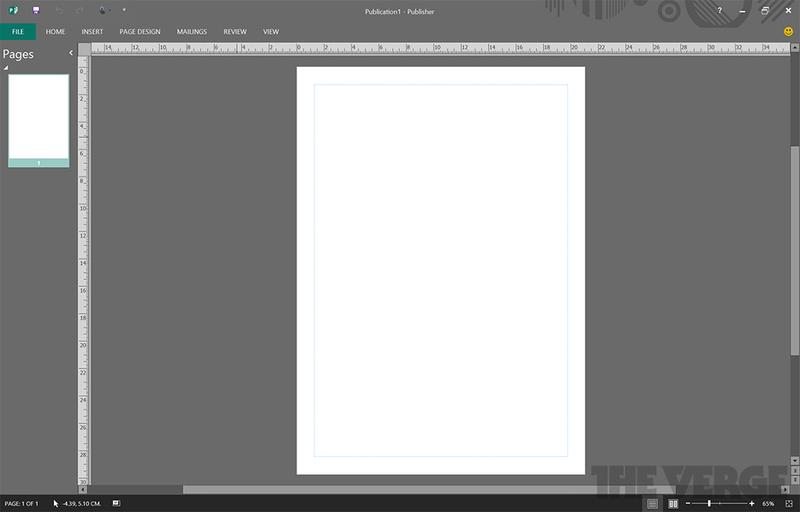
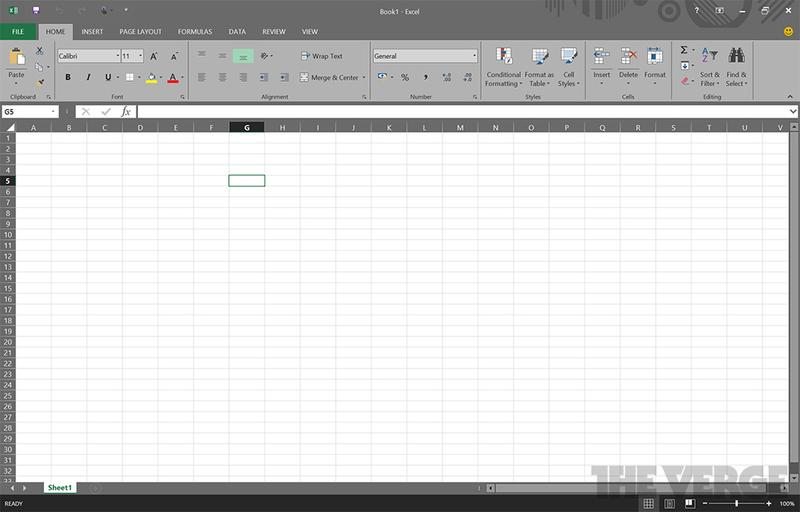
There are no major changes to the design in the new version, it still looks like the current version with the Office Ribbons, a thing I personally would like to see changed again. They have however included a new black theme, as it was the number one feature request for Office 2013. The testers were also asked to give feedback on where it could be improved further.
The new black theme is a very unusual look for Office, but it’s said to cause less stress for your eyes and be easier to work with for long periods of time. It isn’t the default theme, it’s just an option. The old light grey, dark grey, and white themes are also still available.
The majority of improvements, in what only is known as Office 16 so far, are only fairly minor changes, but it plays well with Microsoft’s promise for more frequent updates and fixes for it’s Office 365 subscribers, and it looks like they’re taking that direction to the desktop users as well making it a welcome change.
One of the new features mentioned by the source, was automatic image rotation based on the metadata the camera has stored in the file. A minor, but useful function to automatic position images correctly when inserted into Office documents. There is of course still a function to manually rotate the image afterwards.
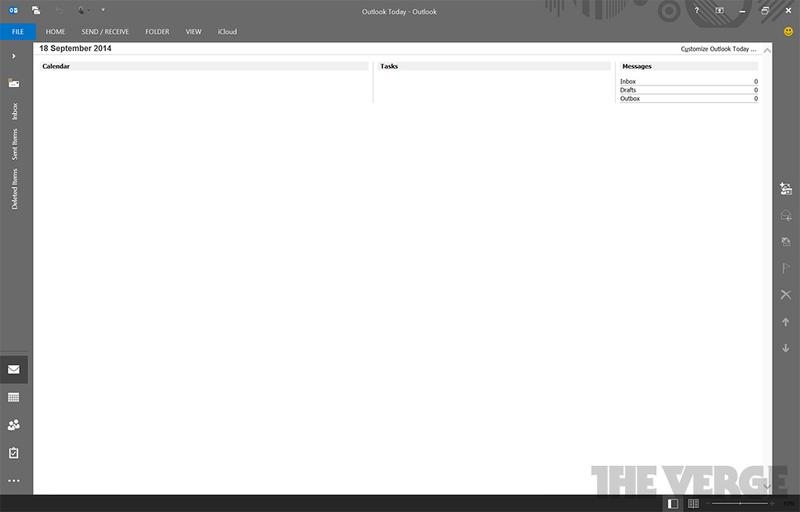
Microsoft is also improving its Outlook email client with more sync options. The new version is capable of just downloading 1 day, 3 days, 7 days, or 14 days of email. In the existing version of Outlook you can only download a minimum of one-month of email. This was another highly requested feature from users of laptops and tablets with limited storage and data plans. It’s great to see Microsoft listening to the feedback they’re getting and implementing these much needed changes.
Thank you TheVerge for providing us with this information
Images courtesy of TheVerge



















