Speedlink Phantom Hawk Flight Stick Review
Peter Donnell / 9 years ago
Introduction
Over the last few weeks I’ve been diving into the world of flying games, with everything from War Thunder to Star Citizen: Arena Commander taking up my time. While mouse and keyboard do a pretty reasonable job for flight sims, it’s a far cry from the real deal and can be a little cumbersome at the best of times. Control pads such as the Xbox 360 controller are a nice middle ground, they provide dual analogue sticks that are great for arcade style flying, but they lack the controls needed for more sim-friendly flying. This leaves only one option, a flight stick and that’s exactly what I’ll be testing today.
There are countless flight sticks out there to choose from, from several manufacturers such as MadCatz, Cyborg, Speedlink and more. It doesn’t take long to realise that if you want to get to grips with a realistic flight stick, you need to spend a fair amount of money. This is why I’ve chosen to put a budget friendly model through its paces, the Speedlink Phantom Hawk. It’s relatively cheap, with prices around £25 from most retailers, so I’m not expecting industry leading performance here. I am however eager to find out just how good it really is, despite its low price tag.
“Transform your desktop into a cockpit – the PHANTOM HAWK joystick makes flight simulation a true experience and adds authenticity to challenging missions. With throttle controller, three control dimensions and eight-way Coolie Hat sets you up for the races, spectacular dogfights and accurate rescue flights.” – Speedlink
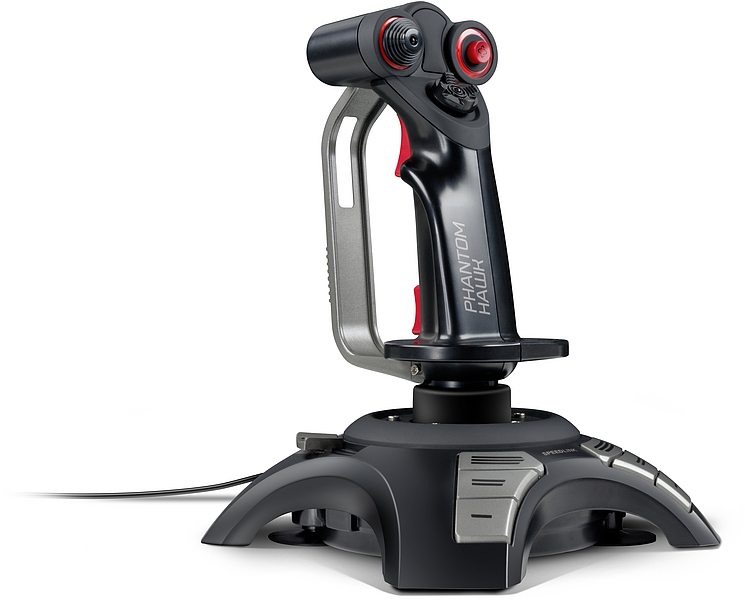
It’s got all the major features you could hope for in a flight stick; an analogue stick, 8-way hat switch, throttle control, vibration feedback, D-Pad and 12 programmable buttons.
Features
- Ergonomically designed flight stick with hand rest for right-handed use
- Coolie Hat for an eight-way all-round visibility
- Perfect grip on all surfaces thanks to especially strong suction discs
- Progressive throttle controller
- Twelve freely assignable digital fire buttons
- Force vibration for the ultimate gaming experience
- 4-way digital D-pad
- Cable length: 2m
- Dimensions: 185 × 185 × 240mm (W × D × H)
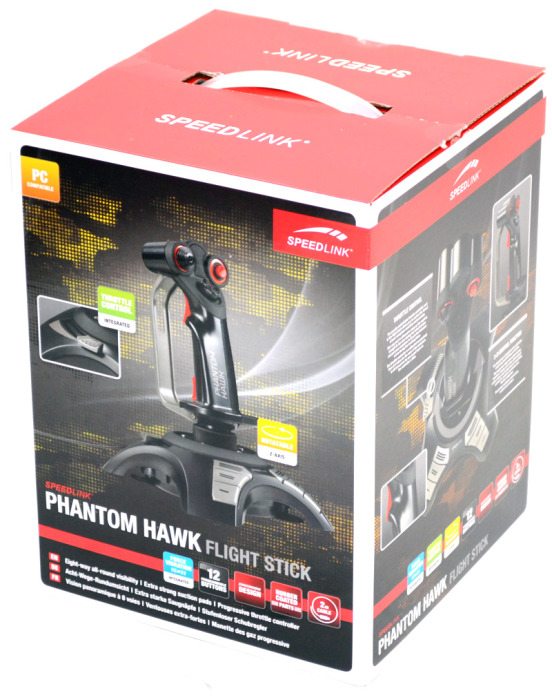
The packaging is nicely designed, with images and specifications clearly displayed around the box; handy for those looking at this item in a retail store.
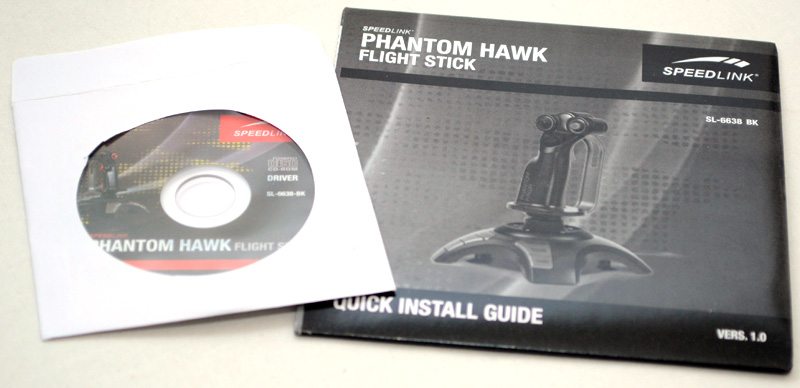
In the box you will find everything you need; the controller, a driver install CD and a quick install guide.