Tesoro Excalibur V2 Gaming Keyboard Review
Peter Donnell / 8 years ago
A Closer Look
The overall design is relatively unchanged from the previous model, so we still have the same bold black chassis and matte finish that gives it a rather simple, but overall quite clean appearance. The build quality certainly feels impressive taking it out of the box, it’s got a good weight to it, no flex to the main board and should stand up strong to a few knocks and bumps.
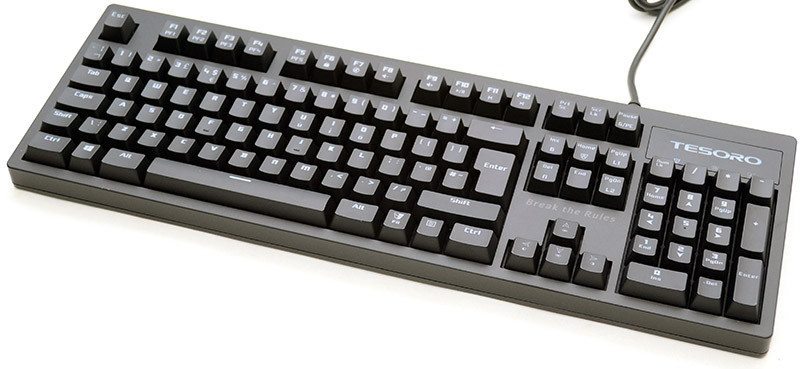
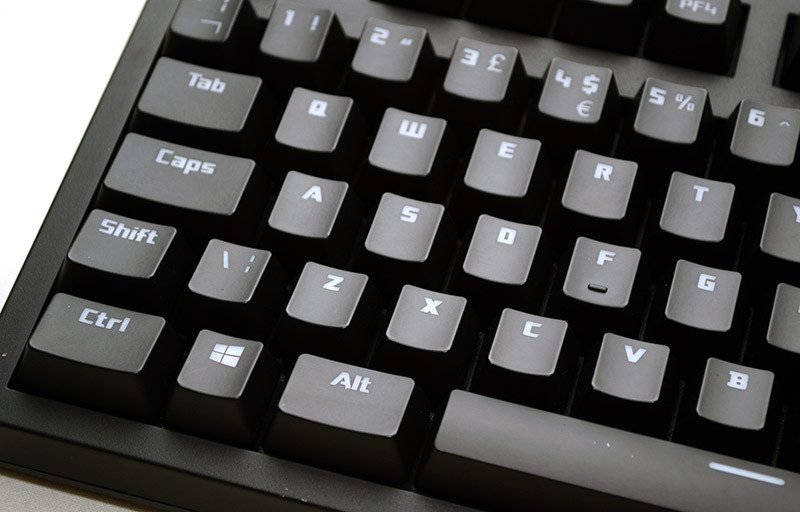
There is a stylish large font on the key caps, and the caps have an ever so slight curve to them that provides a nice typing action. The Kailh Blue switches are very similar to Cherry MX Blue, although to my fingers they feel just a little bit lighter to press, which is no bad thing, as the keyboard feels nice and fast and that’s going to cut response times while gaming.
Tucked away on the F-keys, you’ll find some FN-Shift functions, with F1-F5 giving you quick access to on-board profiles, allowing you to switch between macro and lighting profiles on-the-fly.
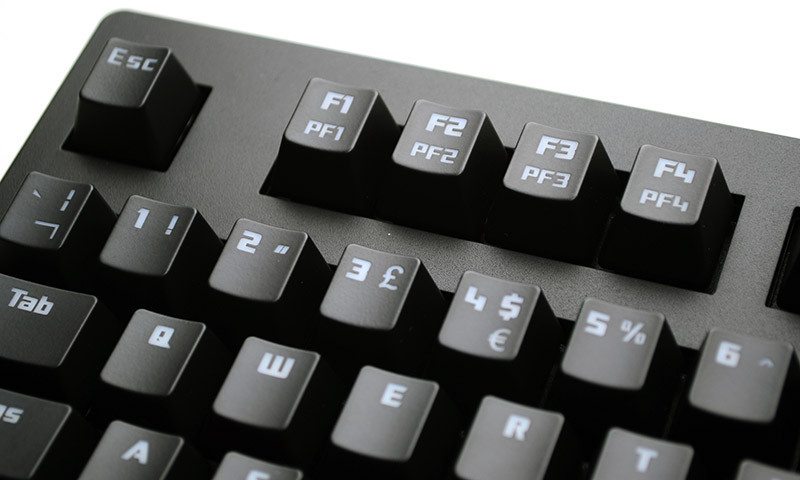
A key lock function resides on F6, while F7-F9 are master volume controls.
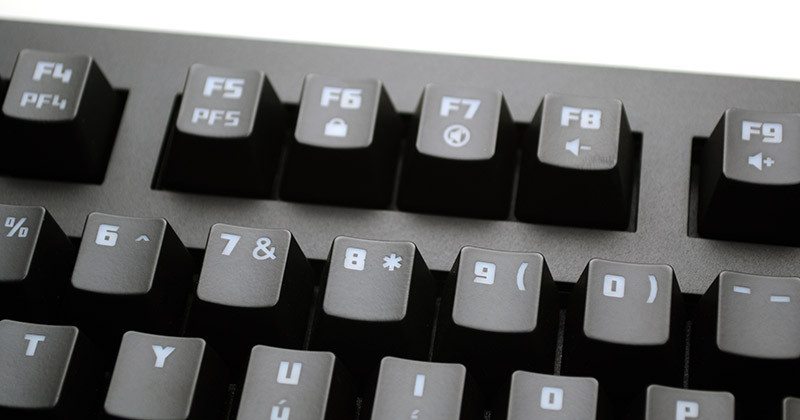
Finally we have three basic multimedia controls, allowing you to quickly skip through songs without taking your hands off the keyboard. These are very convenient to use while working and even more so while gaming, as you don’t have to tab out.
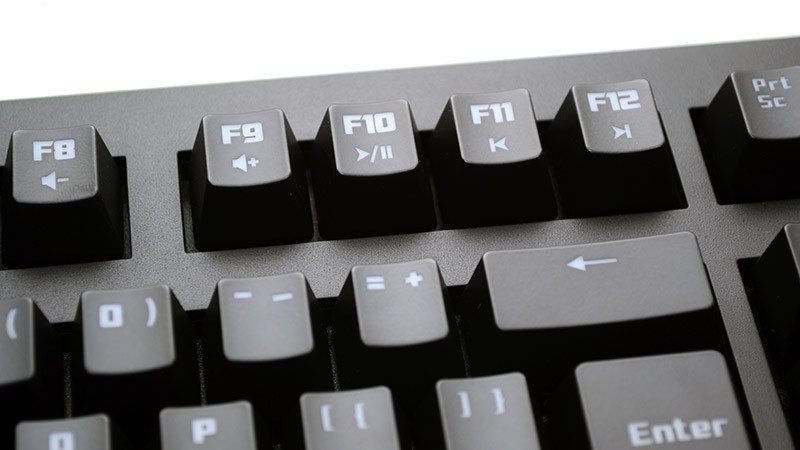
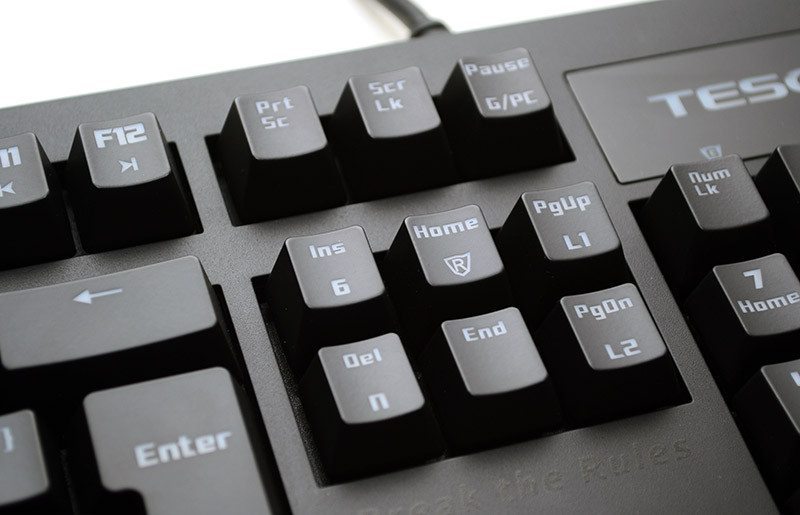
Here you can use the FN-Shift again to toggle between full N-key rollover and 6-key rollover, whichever best suits your needs. PgUp and PgDn have access to the instant macro recording and instant lighting recording features, allowing you to quickly dial in the settings you want on-the-fly. As I said before, there are more features in the software, but there’s still plenty that can be done without it.
A full-size number pad on the right; fairly self-explanatory.
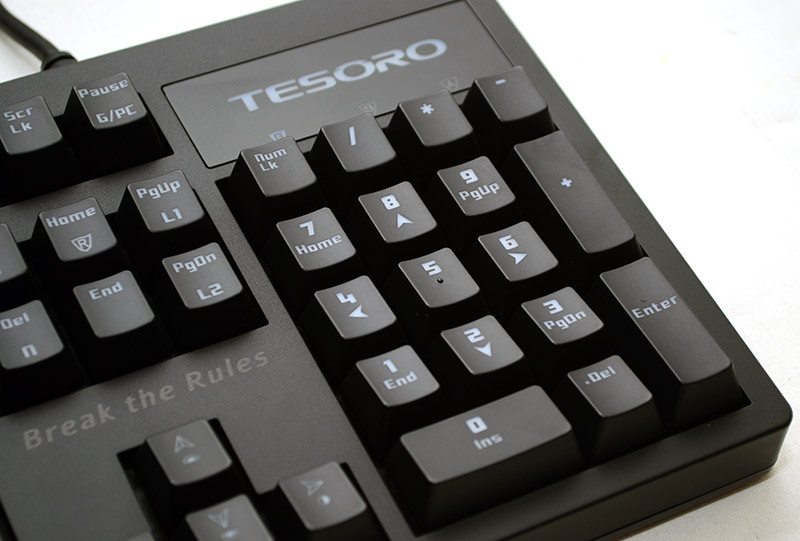
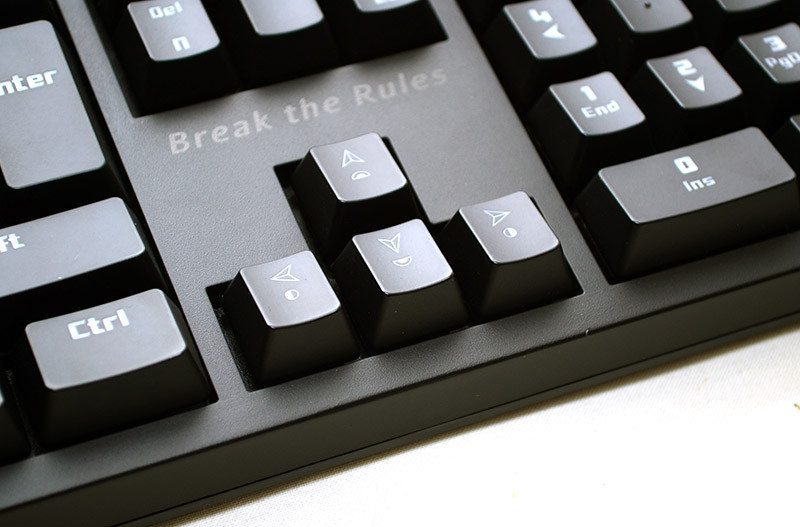
The directional keys also have FN-Shift functions, allowing a quick master control over the LED lighting. You can also see that the keys are ever so slightly recessed into the housing of the keyboard, helping give it a slightly lower profile that can improve the ergonomics.
The FN-Shift key is tucked where you would often find the second Windows key, and it has a funky little Tesoro logo on it that I rather like.

The general design of the keyboard is a little basic, but certainly not in a bad way; I quite like the simple almost monolithic nature of it.
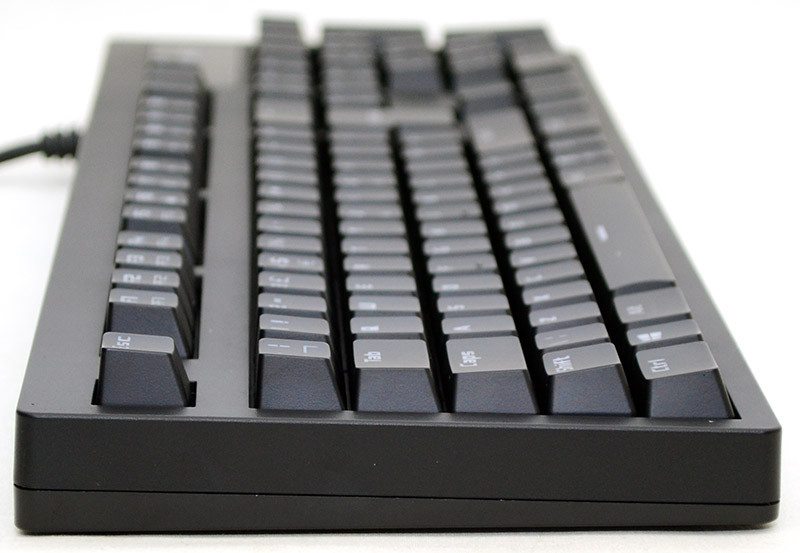
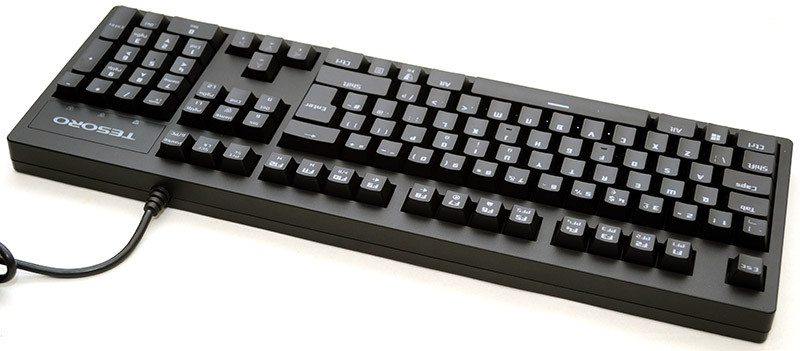
Around the back, just the join for the hard-wired USB cable, which is placed off-center and that should mean less interference with most people’s monitor stands.
Four tough rubber grips on the base, but otherwise, it’s pretty flat and solid here.
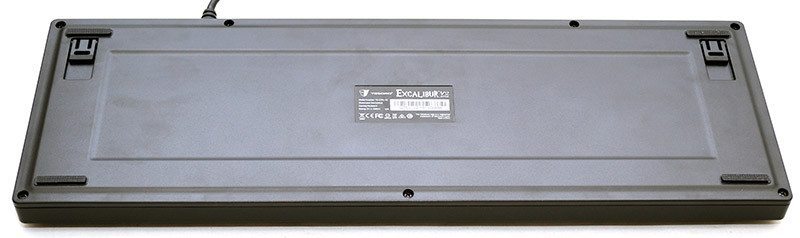
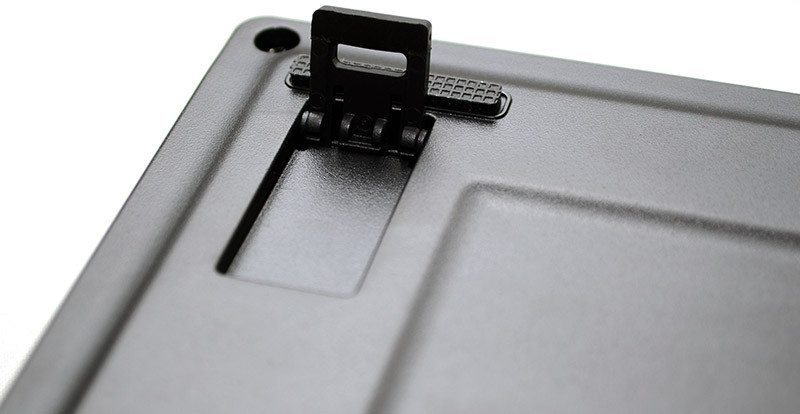
There are two durable plastic kickstands to adjust the height, which also have small rubber grips on them too.