ASUSTOR Data Manager (ADM) 3.0 Software Introduction
Bohs Hansen / 7 years ago
Direct Usage through HDMI
ASUSTOR NAS’ with HDMI are amazing. They allow you to have a full entertainment system and casual workstation without any extra hardware. Well, you’ll need a monitor or TV and some input devices, but that’s a given.
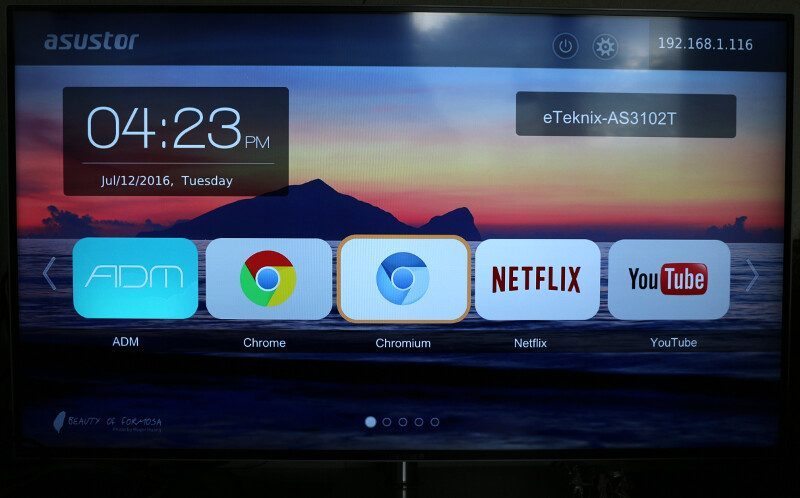
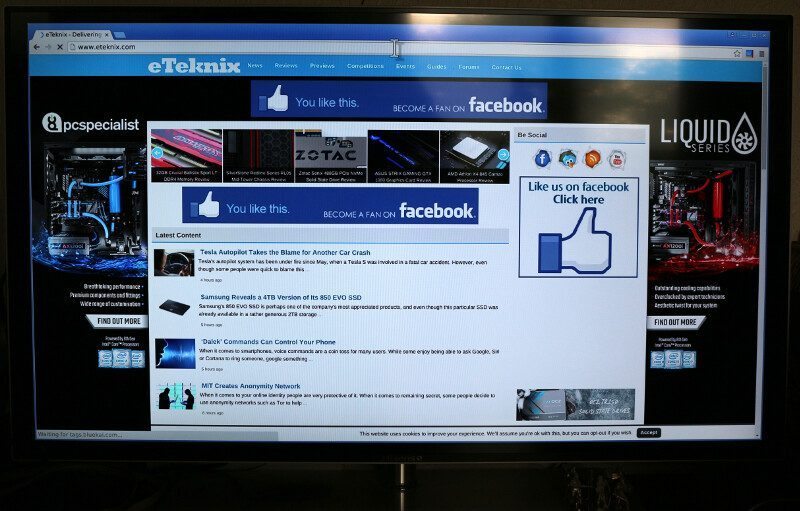
You can use Chrome, Chromium, or Firefox to browse the web for your favourite websites.
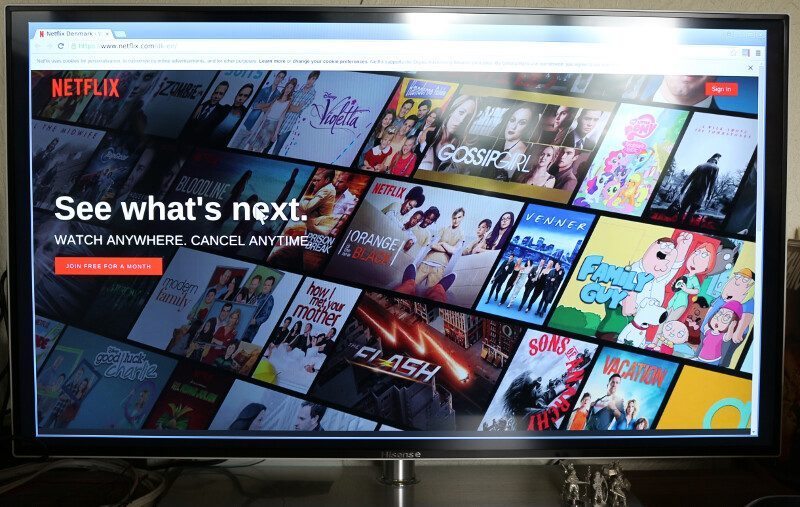
Watch Netflix or other streaming services directly on your TV via the NAS.
And you can use the ever popular KODI (formerly known as XMBC).
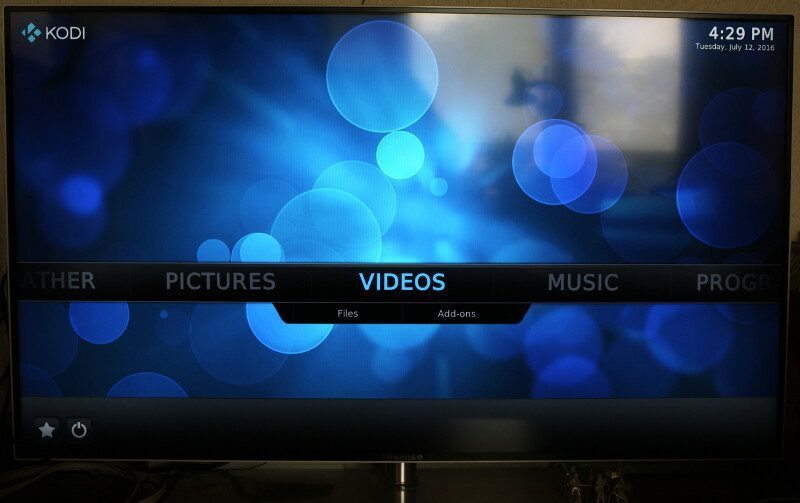
You can even play games here. There are console emulators such as the SNES one, but also full games such as FreeCiv and Dream Chess.
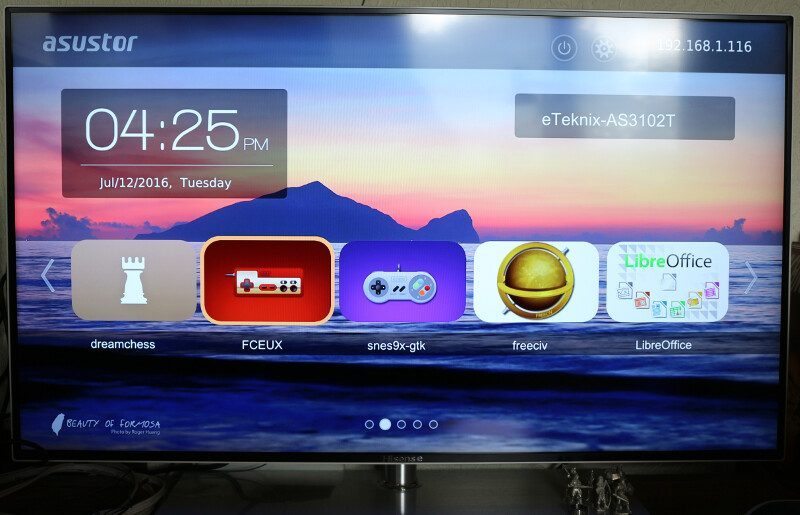
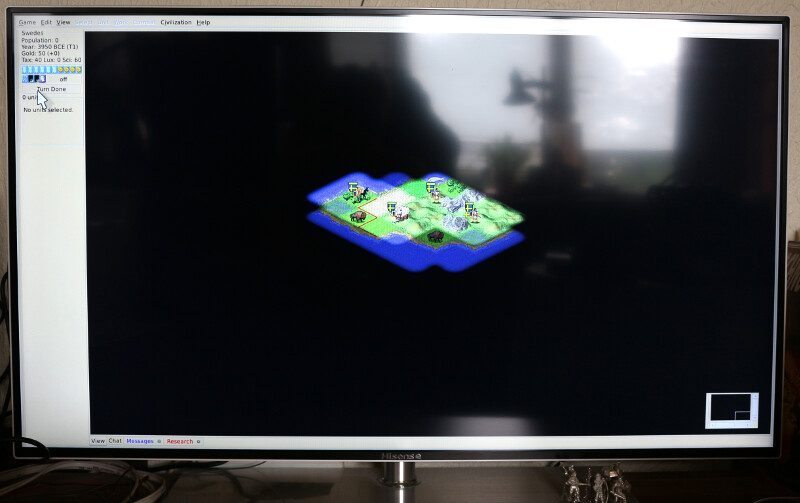
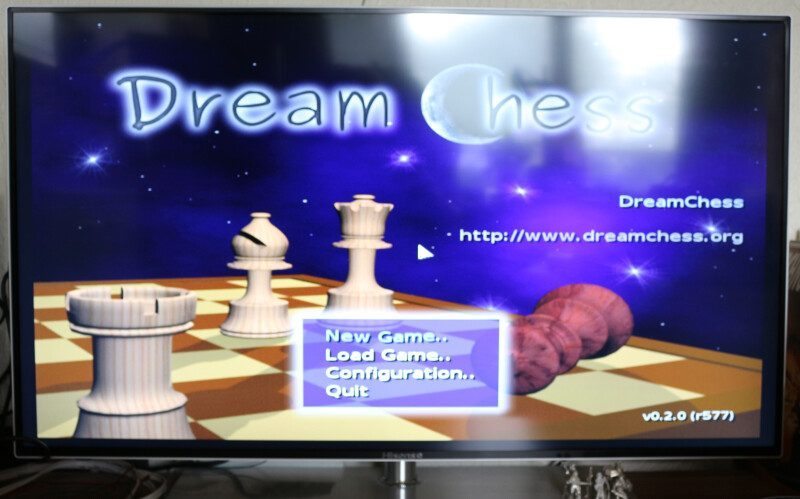
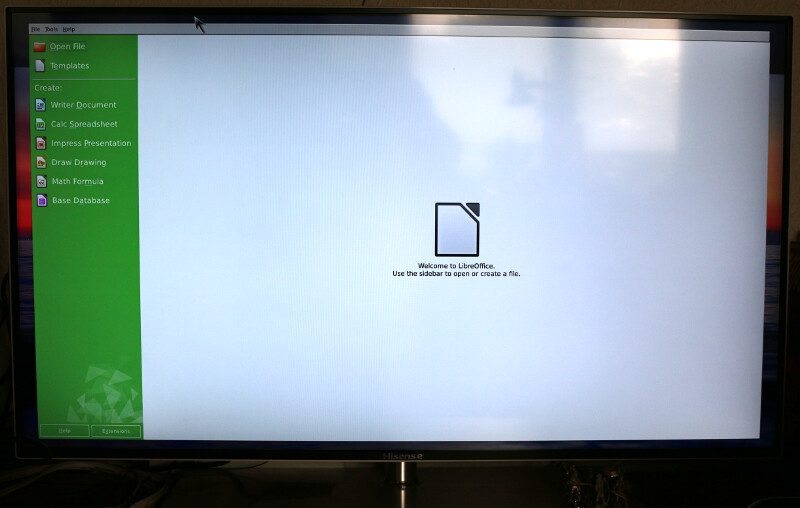
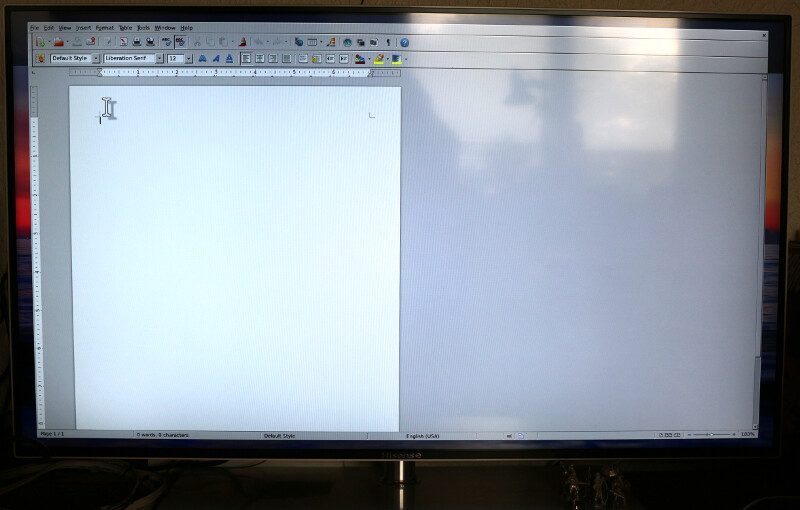
You’ll even find an office pack for the direct usage. You get the full Libre Office directly on your NAS. Just connect a keyboard and mouse and you’re ready to work from the living room.
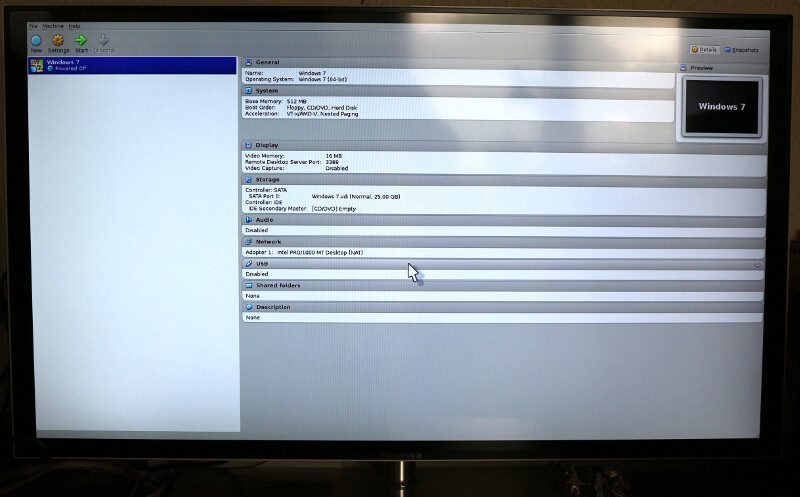
Virtual machines are another option and with it, you get close to endless possibilities.