Corsair Hydro Series H80i Liquid CPU Cooler Review
Ryan Martin / 11 years ago
The Corsair H80i features an all copper contact base plate on the pump head unit. This comes with a square of reasonable quality pre-applied thermal paste.
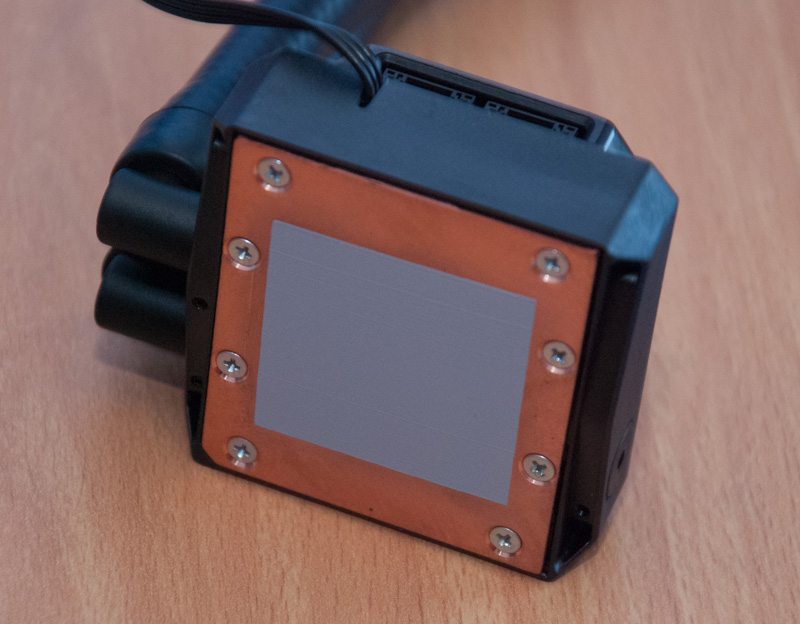
The provided tubing is rubber so is very easy to flex and work with. The rubber tubing also uses swivel mounts to the pump head unit and these are very durable.
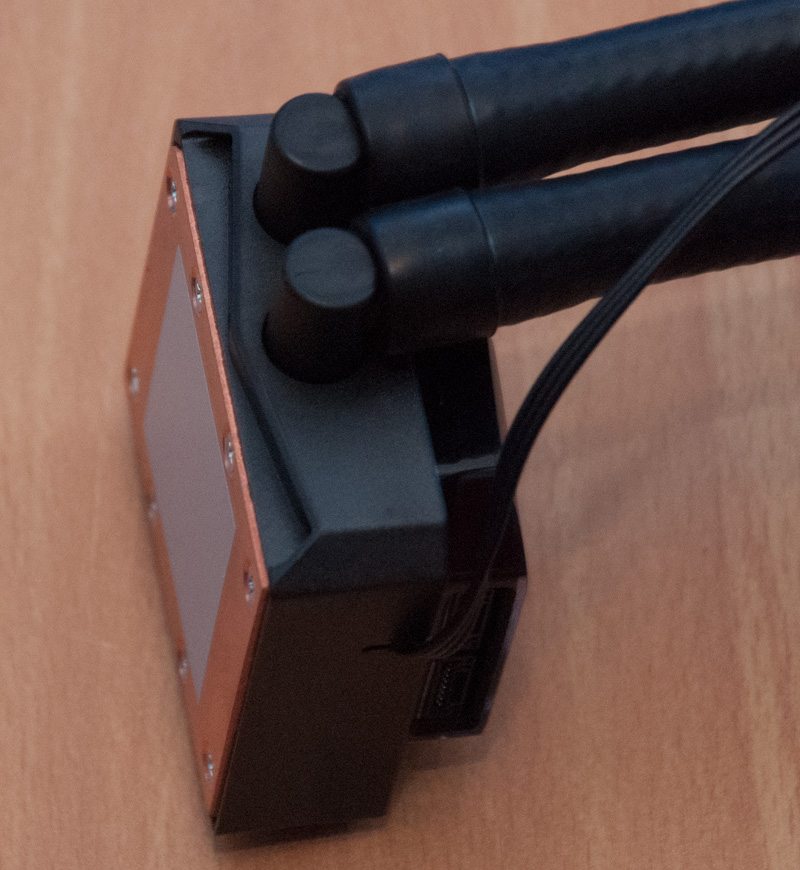
On the pump is two fan cable connectors (each connector does two fans) but you are only provided with one cable for the Corsair H80i. This is because this unit can use only two fans, the extra connection is for the H100i which can use up to four fans.
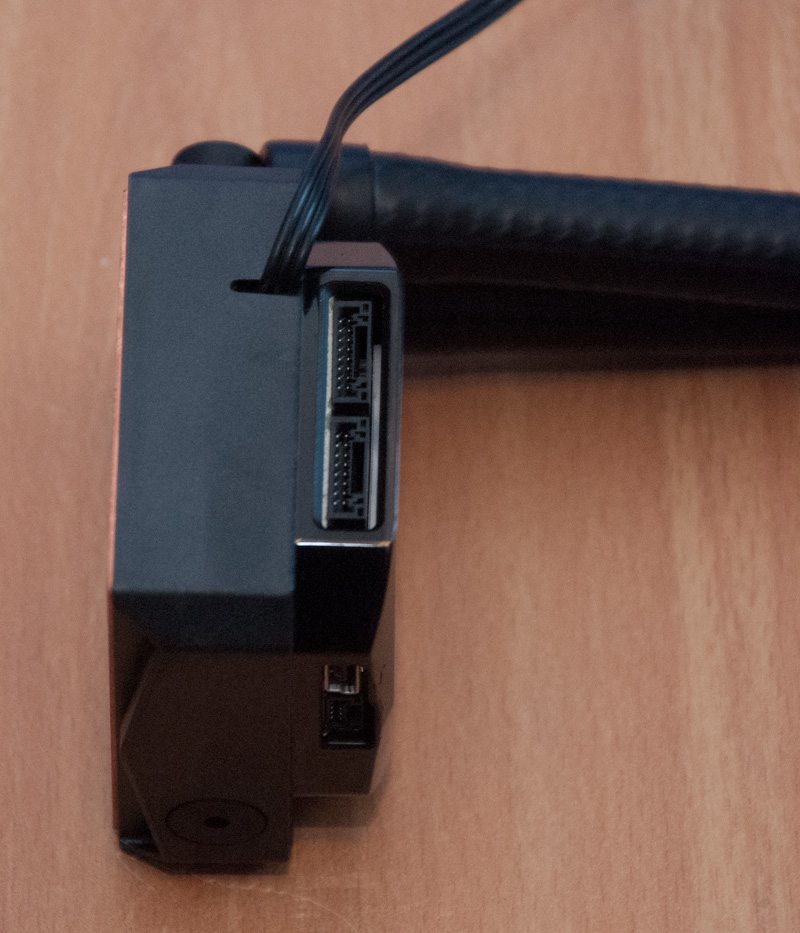
On the other side you are provided with a Corsair Link Connector that is essentially just a micro USB 2.o connector and this goes through a provided USB 2.0 motherboard header cable.
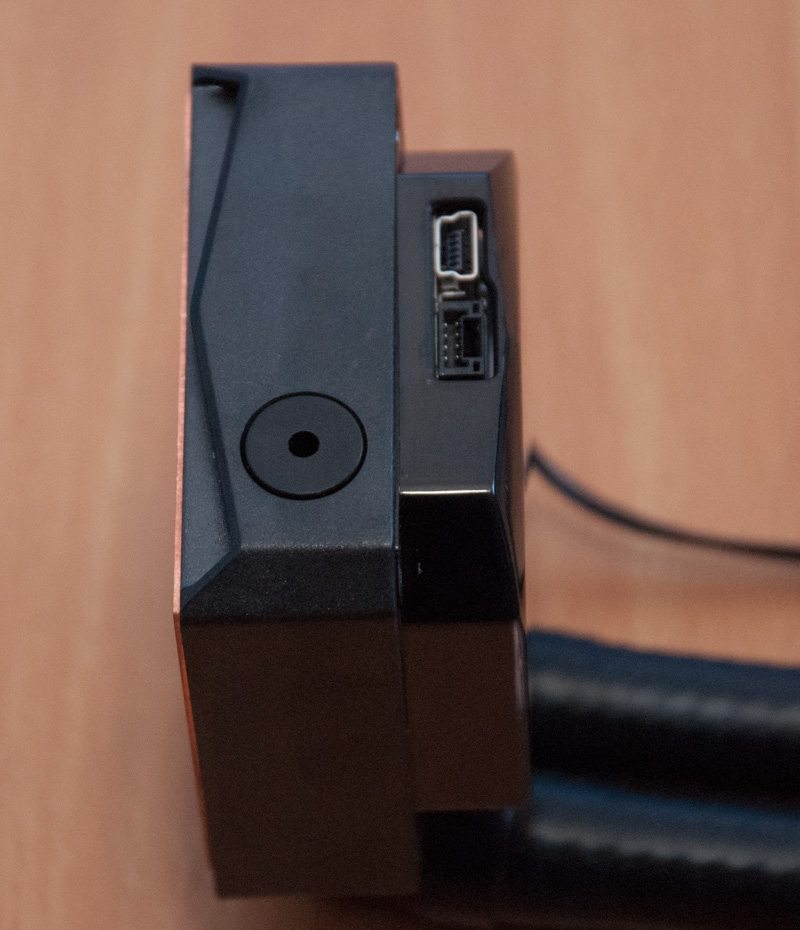
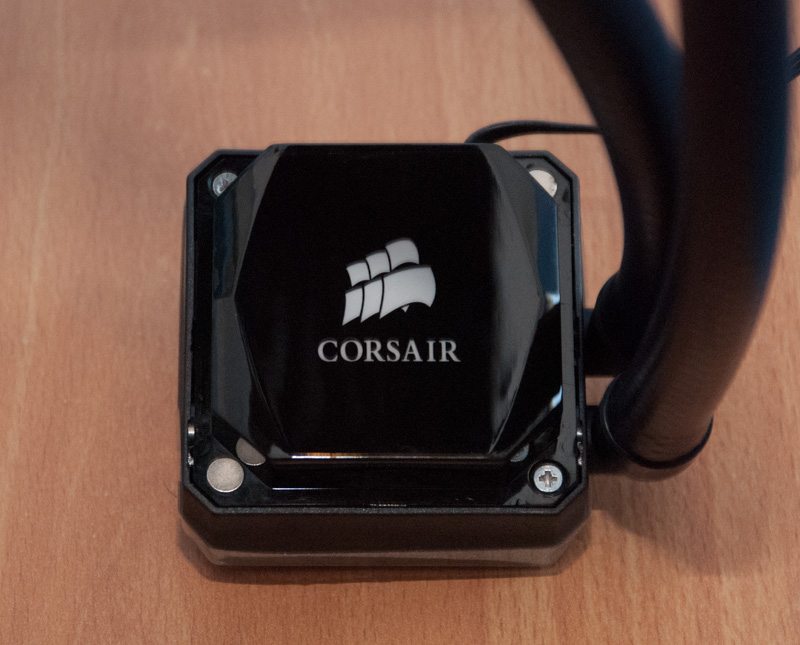
I think the pump unit looks glorious. Unlike the rather plain looking Asetek units, the piano black gloss finish on the H80i with the customisable LED lighting is just fantastic.
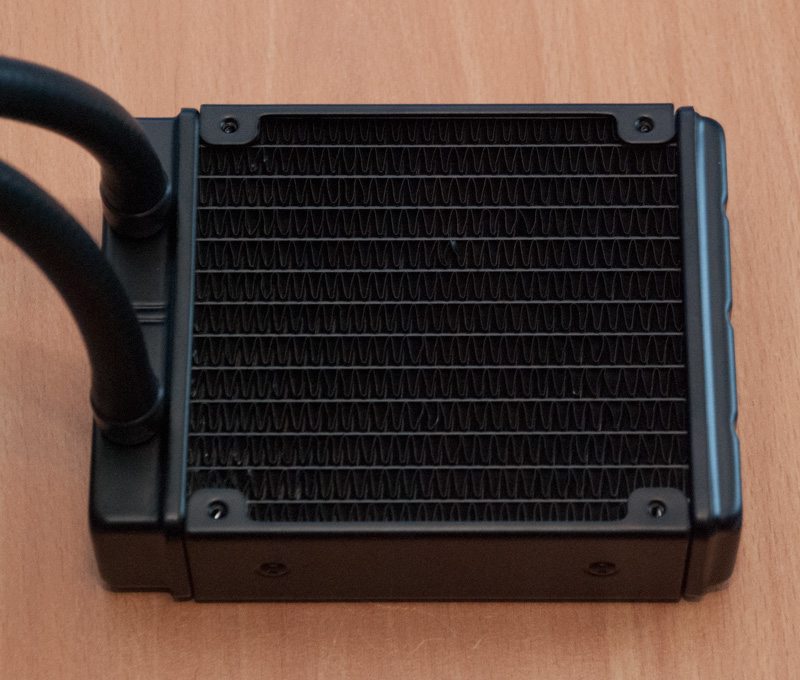
The radiator is nothing out of the ordinary. It is about 37mm thick and uses aluminium fins.
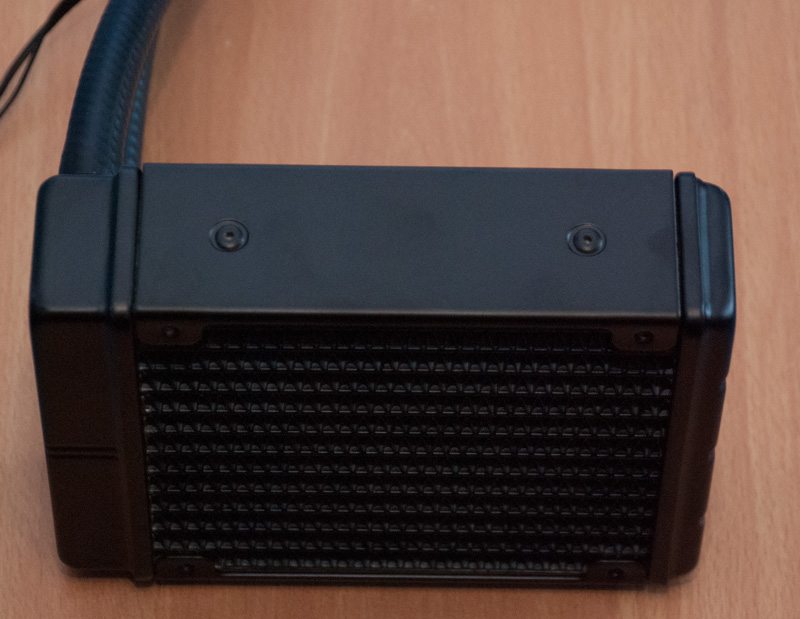
From the side you can see the profile is slightly larger than a single thickness radiator but it isn’t quite a double thickness radiator either.
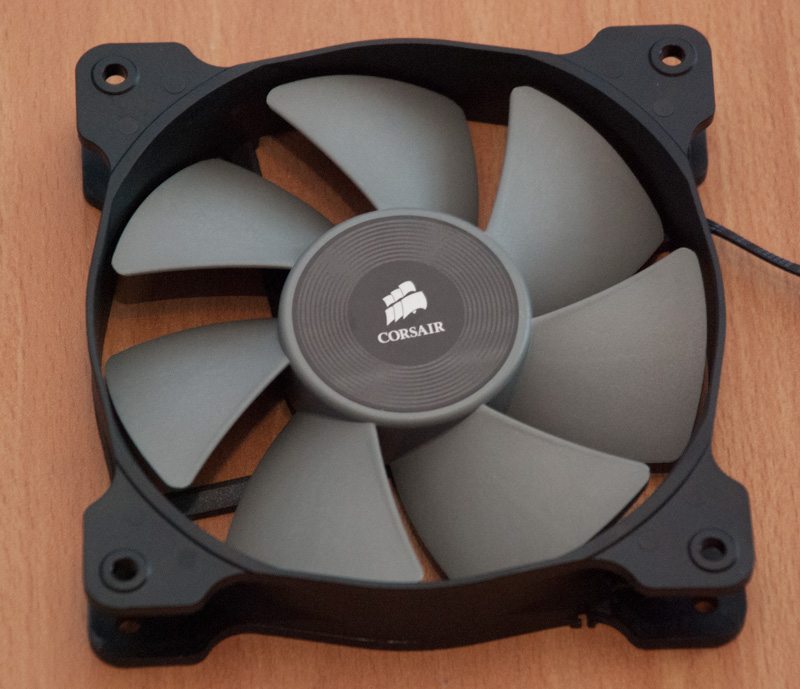
The included fans are Corsair SP120L fans which are derived from the Corsair SP120 fan design, specially designed and optimised for use on radiators due to their high static pressure.
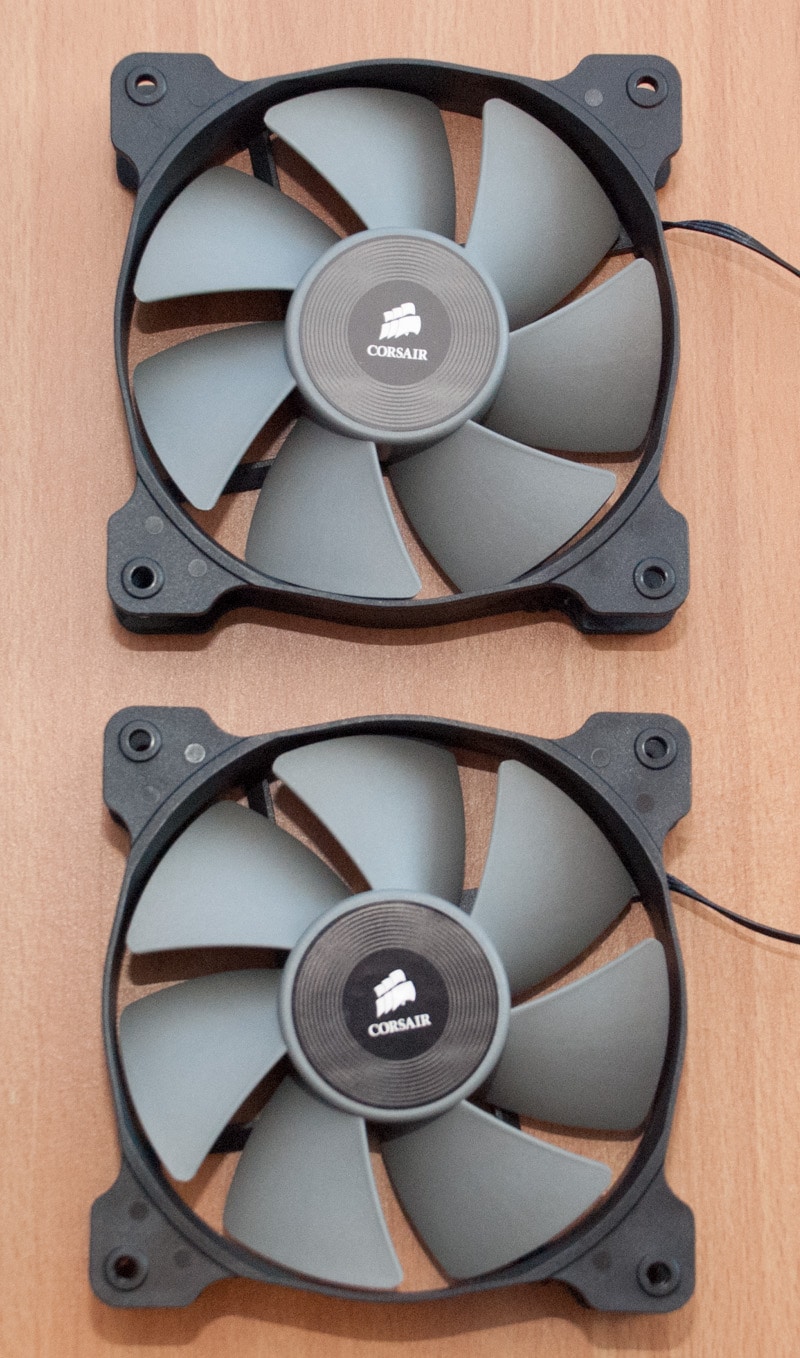
The SP120L fans that are provided use a standard 25mm form factor.
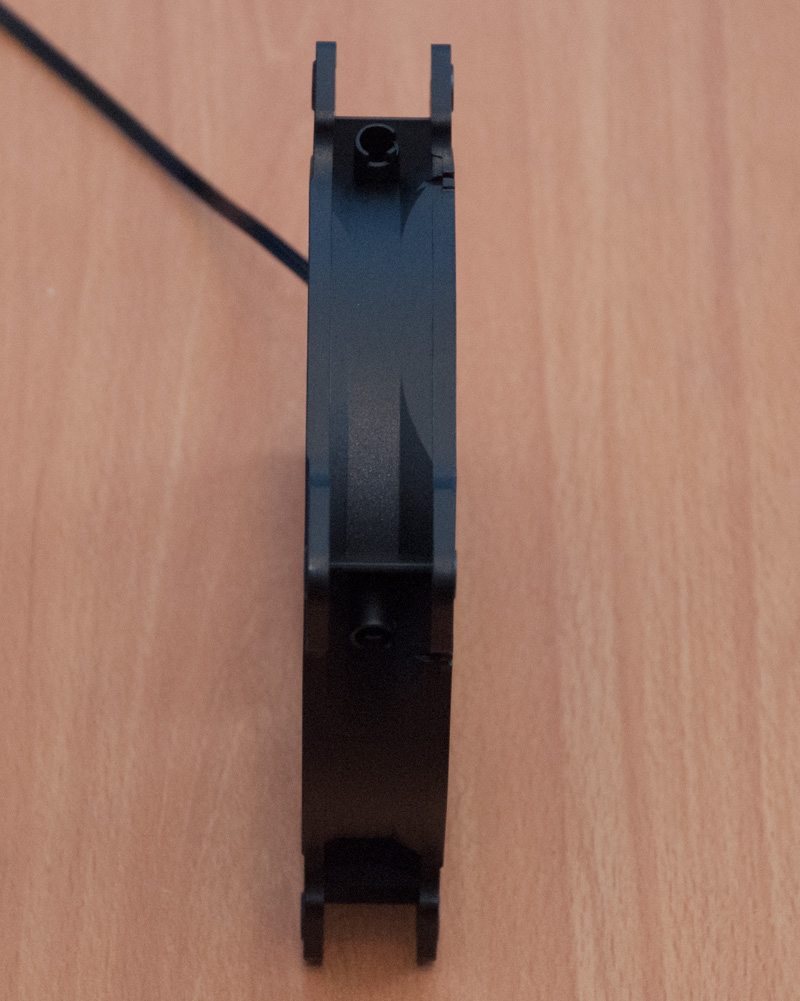
These fans are really high quality and all the cables are black which is nice to see.
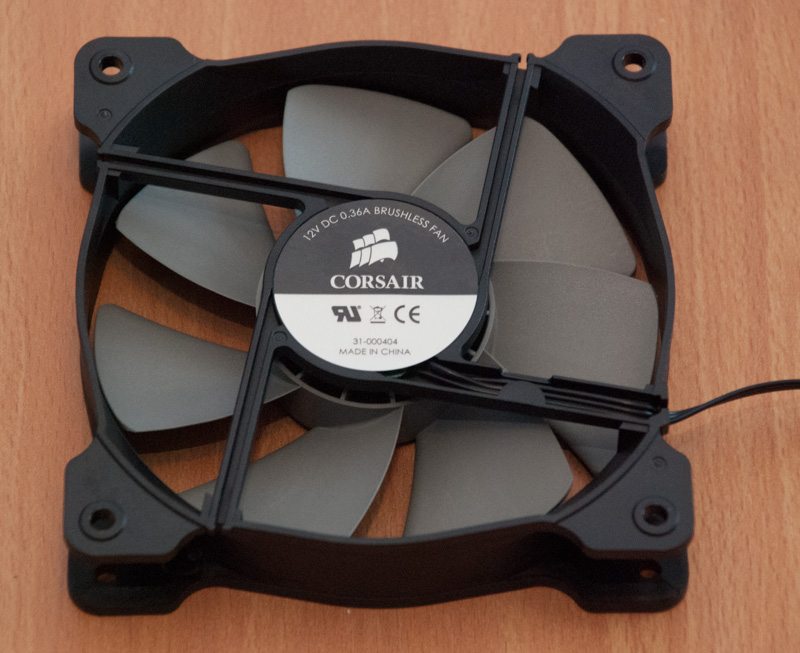
Compared to the normal white or black fan designs we see I think the grey used by Corsair on the H80i is quite nice and different. These fans come with 4 pin PWM connections as Corsair made a recent revision to the design, previously older SKUs had 3 pin fan connections with no PWM support. The inclusion of 4 pin PWM means you don’t have to use the fan controller on the pump if you don’t want to.