Corsair Hydro Series H80i Liquid CPU Cooler Review
Ryan Martin / 11 years ago
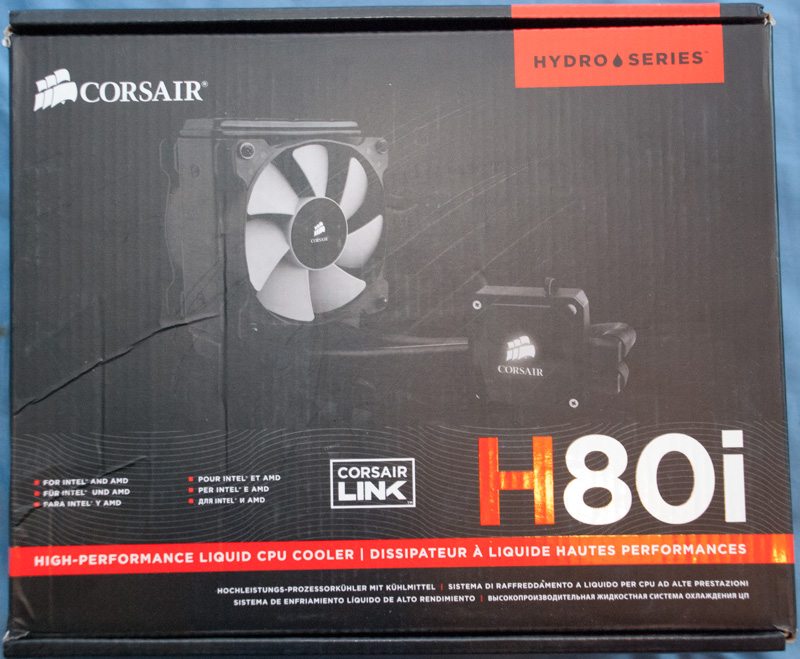
The front of the box shows us an image of the product itself, the fact it is compatible with Corsair Link software and that it is a high performance liquid CPU cooler.
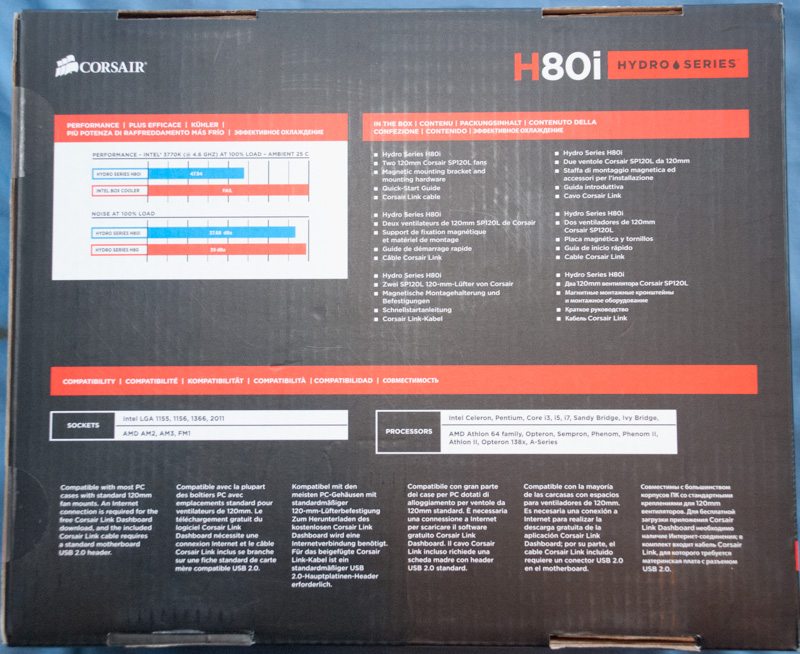
The rear of the box compares the H80i against the Intel box cooler and the previous generation H80 and shows us that it is both quieter and better performing than previous generations.
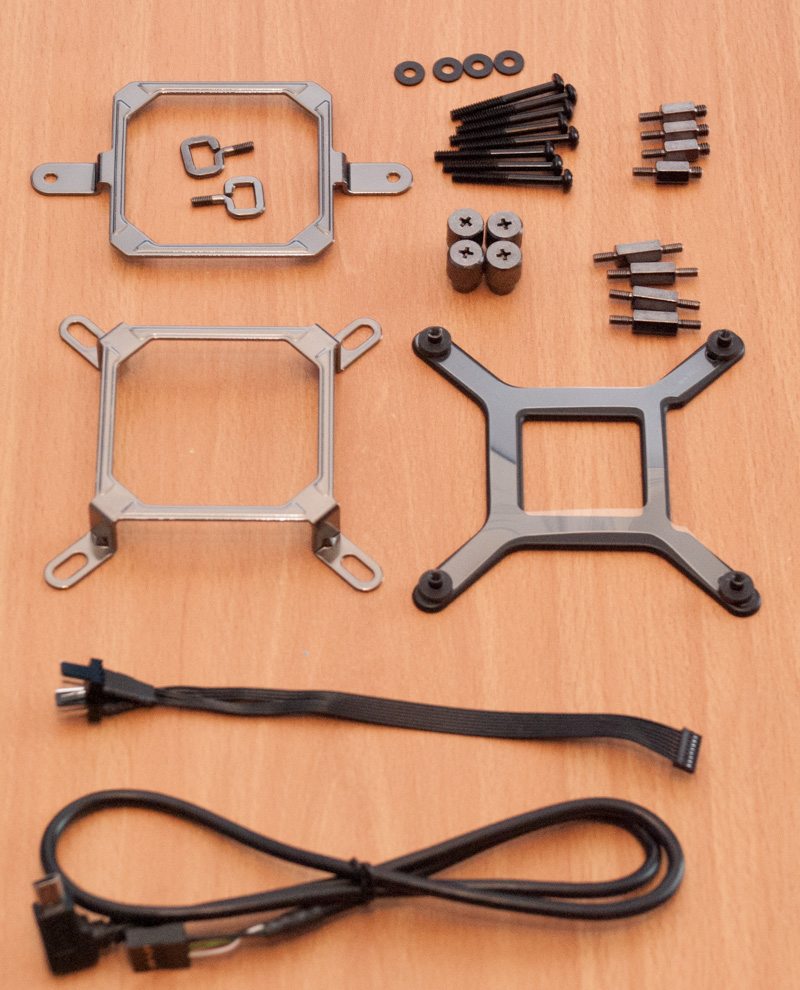
Included with the Corsair H80i, other than the AIO unit and the fans, is a whole bunch of mounting hardware, accessories and documentation. Firstly below you can see all the mounting hardware for AMD and Intel sockets which we will go over in more detail in the installation page. Corsair include a fan cable for the pump head unit that allows you to connect both your fans and they include a USB 2.0 cable for controlling your fan speeds and LED profiles.
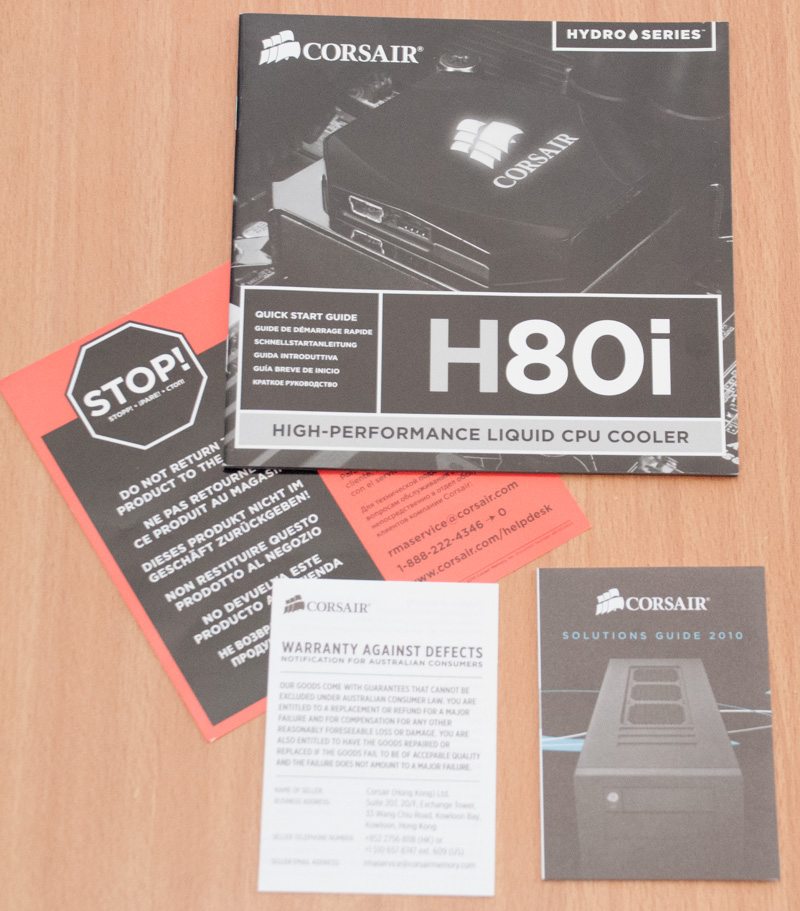
The documentation included is the main installation manual, a warranty guide, some returns information and a mini-brochure of other Corsair products.