iRocks Spirit Cocoon Illuminated Mouse Review
Peter Donnell / 10 years ago
A Closer Look
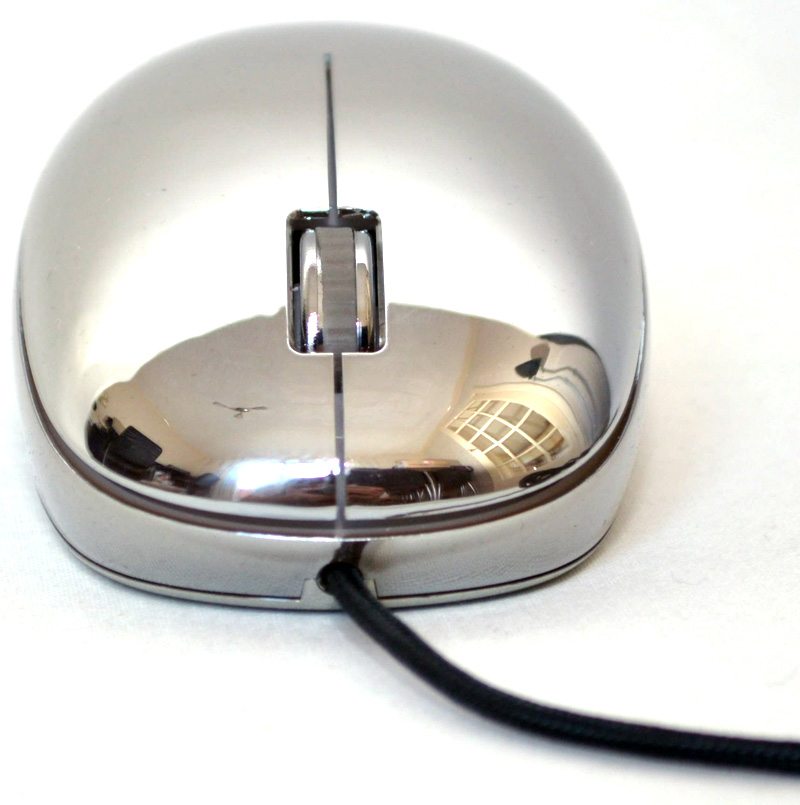
The chrome effect is actually on the interior of the mouse, the outside is plastic not metal, but I think you’ll agree it’s still got a wonderful looking finish to it and it feels as smooth as glass too.
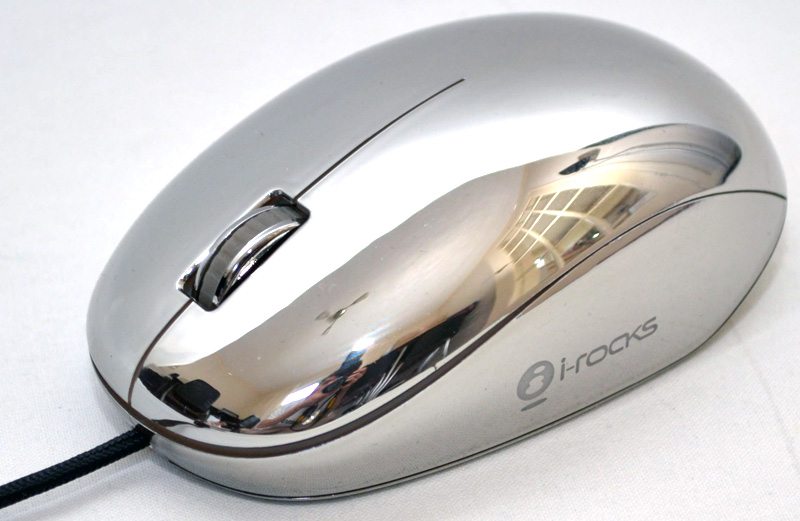
The shape is nicely ergonomic and tailored towards ambidextrous usage as it is symmetrical.
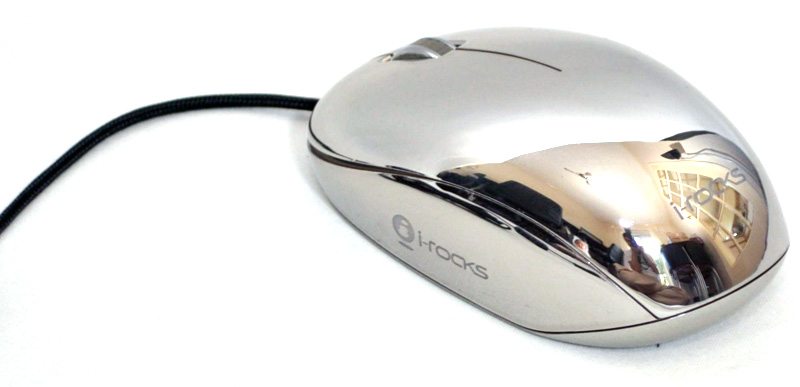
In terms of controls, there isn’t anything too fancy, two main switches (left and right), as well as a really nice quality scroll wheel.
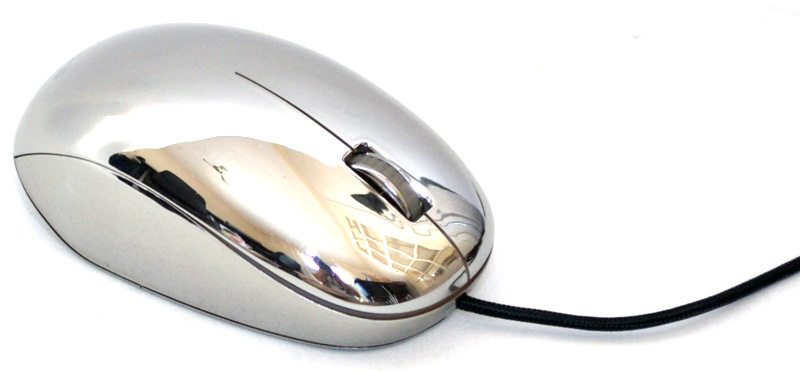
The scroll wheel has a notched rubber grip to provide added control and the whole thing is heavily recessed into the both of the mouse so not to break up the sweeping design too much.
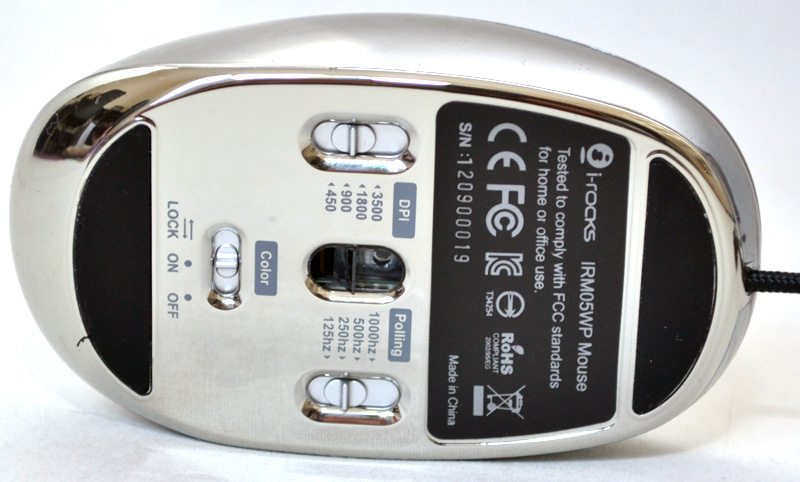
On the underside you can see there are three switches, the DPI switch allows you to change between 450 / 900 / 1800 / 3500 DPI, Polling can be switched to 125 / 250 / 500 /100 Khz and finally you have the “Color” switch, this is simple enough, an off / on toggle, or you can slide it further to the left to “lock in” which ever colour the mouse is set to at that time.