KIOXIA NVME
Displays & Monitors

Cooler Master GM34-CWQ ARGB Monitor Review

OSD

The OSD is simple enough and easily accessed thanks to the thumbstick on the back of the monitor. You can quickly cycle through your inputs, change the volume, and profiles by tapping a direction or clicking it to open this full menu.
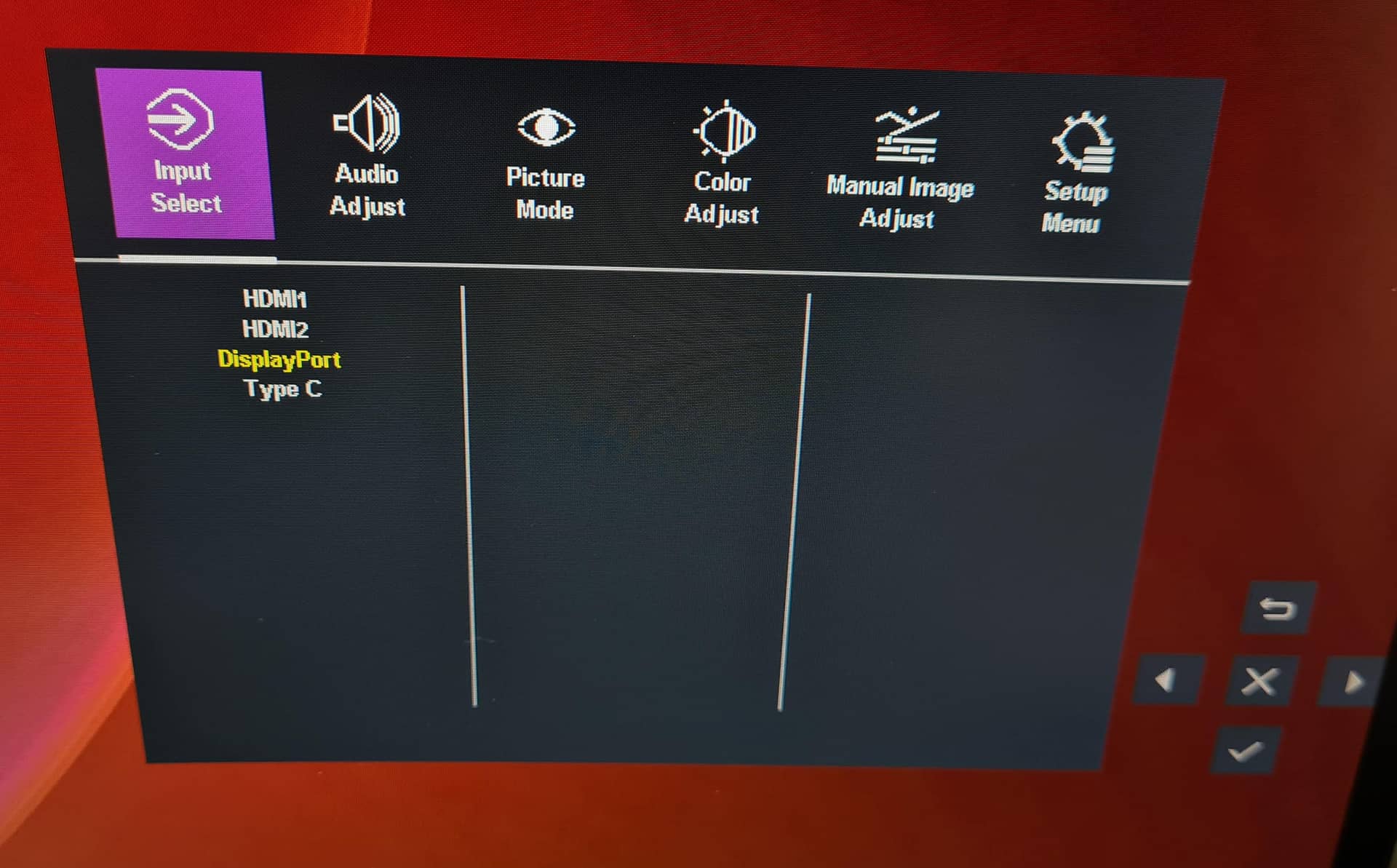
There are plenty of picture modes built-in, and all seem pretty well configured. I often find gaming and movie modes look bloody awful on most monitors, but these seem much more restrained.

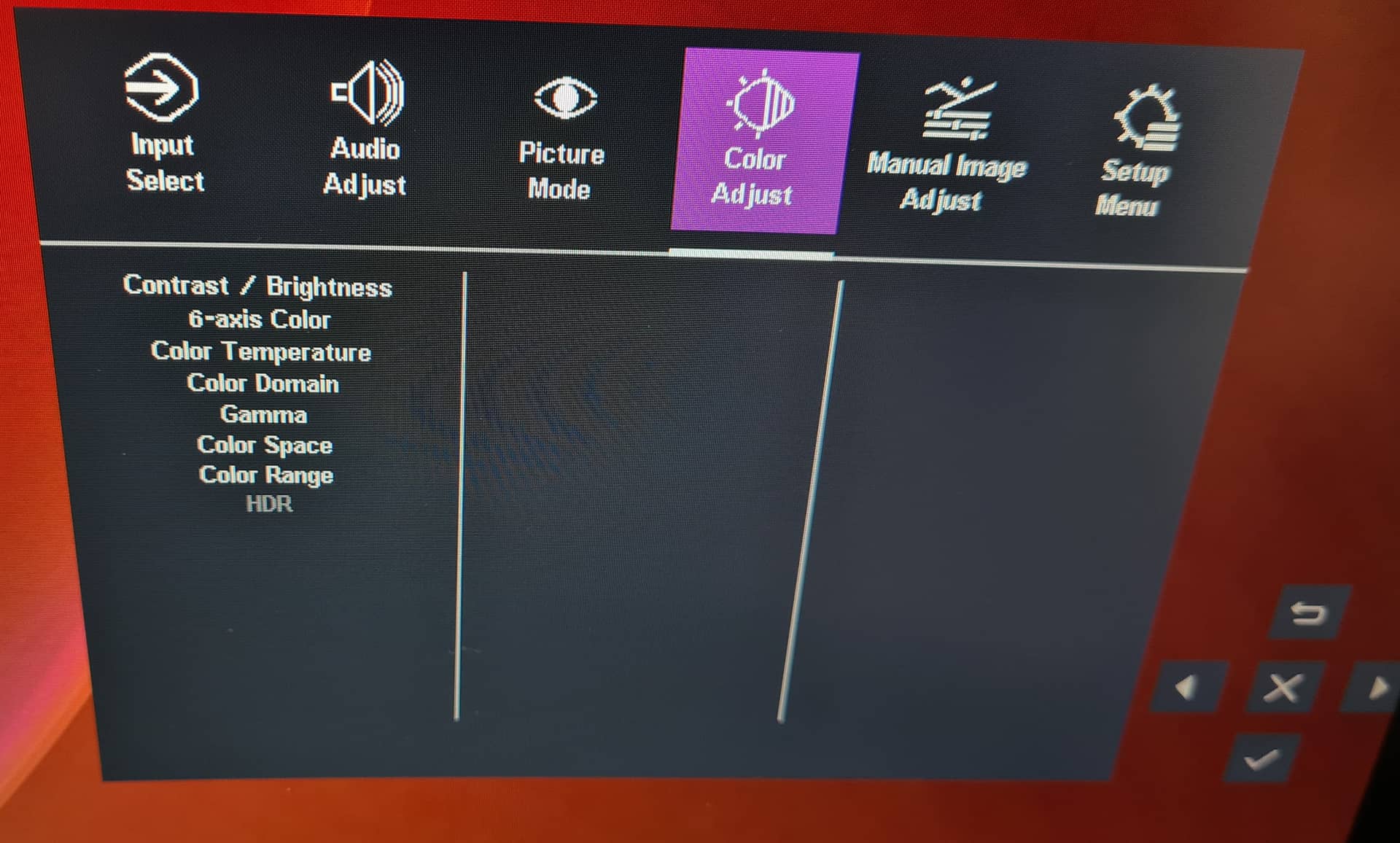
If you really wanted to deep dive into the colour configuration, you’ll find a pretty impressive set of options. However, for the most part, it’s best to leave it alone, as the out-the-box settings on this monitor are very well configured.
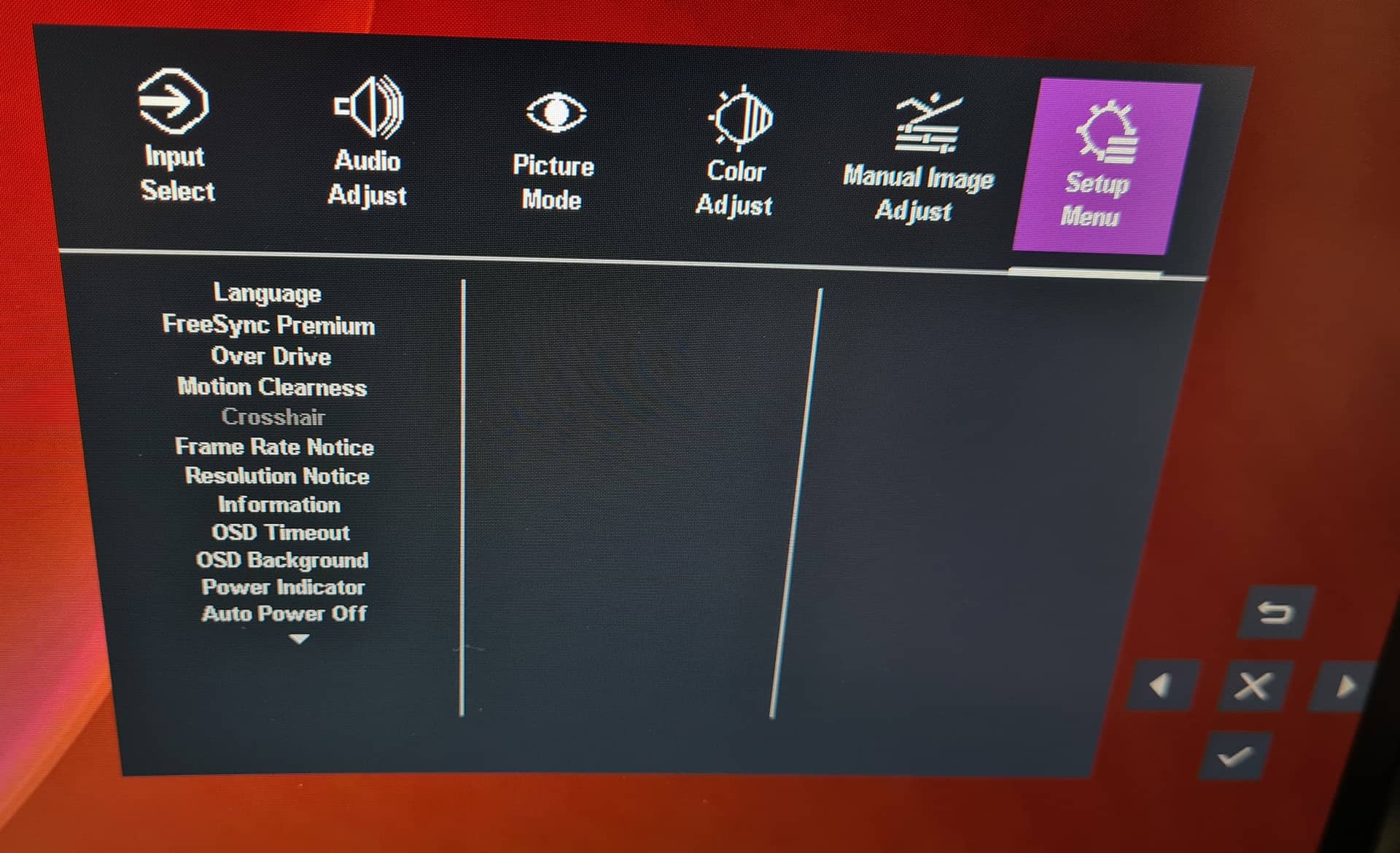
Even more settings here, with on-screen displays, crosshairs, frame insertion and overdrive modes, and much more.

Previous page 1 2 3 4 5Next page
Sapphire Crimson Desert
Antec Vortex View 360
INNO3D RTX 50 Series
KIOXIA NVME
Gigabyte AERO X16
KIOXIA NVME
Gigabyte AERO X16
KIOXIA NVME
KIOXIA NVME
Antec Vortex View 360
INNO3D RTX 50 Series

Peter Donnell

As a child in my 40's, I spend my day combining my love of music and movies with a life-long passion for gaming, from arcade classics and retro consoles to the latest high-end PC and console games. So it's no wonder I write about tech and test the latest hardware while I enjoy my hobbies!

Related Articles

Leave a Reply

Your email address will not be published. Required fields are marked *

Back to top button
Close

Adblock Detected

Please consider supporting us by disabling your ad blocker!   eTeknix prides itself on supplying the most accurate and informative PC and tech related news and reviews and this is made possible by advertisements but be rest assured that we will never serve pop ups, self playing audio ads or any form of ad that tracks your information as your data security is as important to us as it is to you.   If you want to help support us further you can over on our Patreon!   Thank you for visiting eTeknix


















